Studio desk · Full-release test
Photomaly upgrades: spend your profits in the right order
Photomaly gives you one wallet for consumables, equipment, and decorations. In this tested route, money spent on the wrong purchase delays the next order. Use this spending plan to keep the studio working before you decorate it.
Where to buy everything
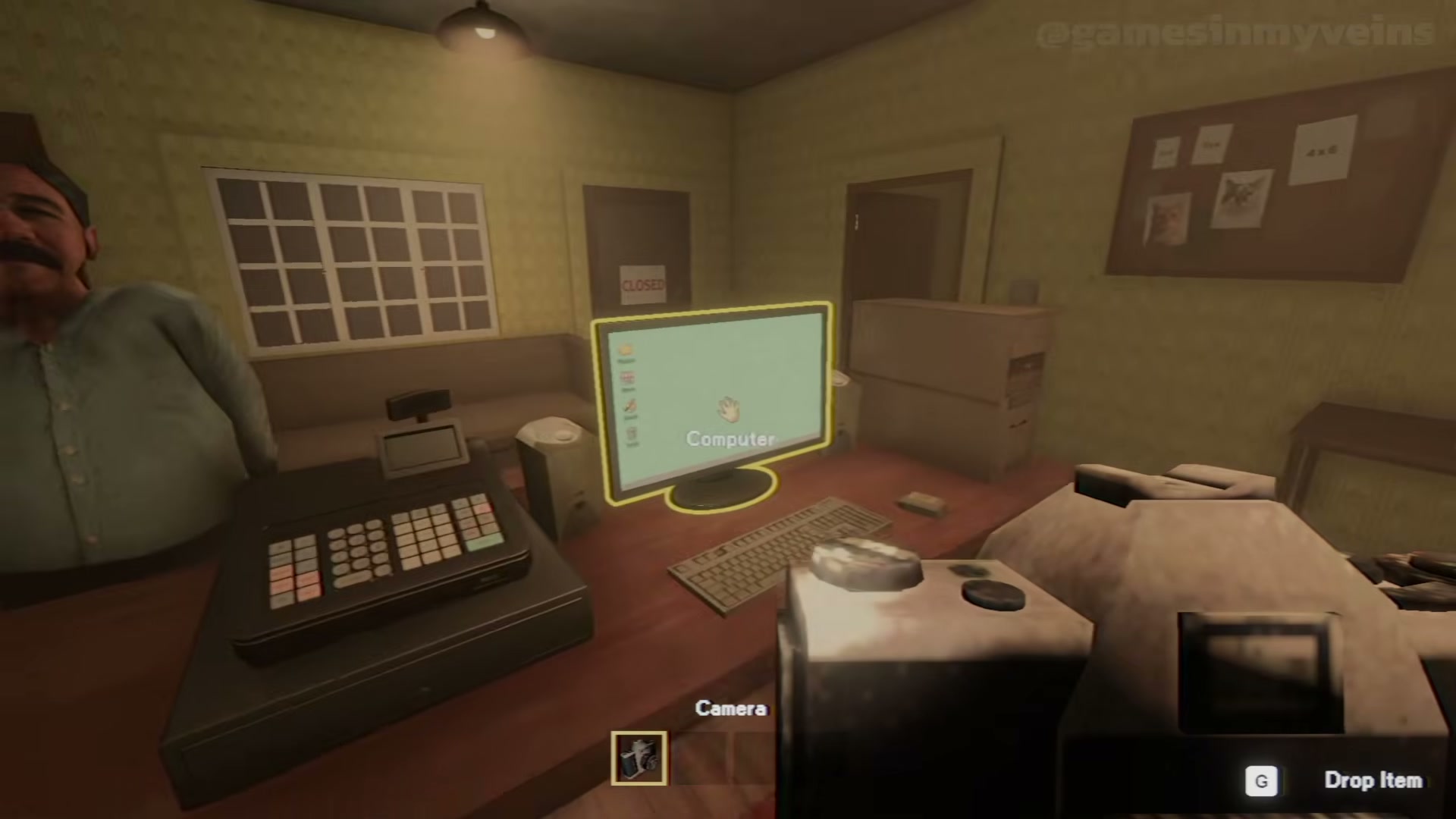
There is no separate upgrade shop or NPC to visit. Every consumable and upgrade comes from the Store app on the in-game computer — the same machine used for photos, print setup, and the security camera. Shop between tasks so a waiting customer does not interrupt you.
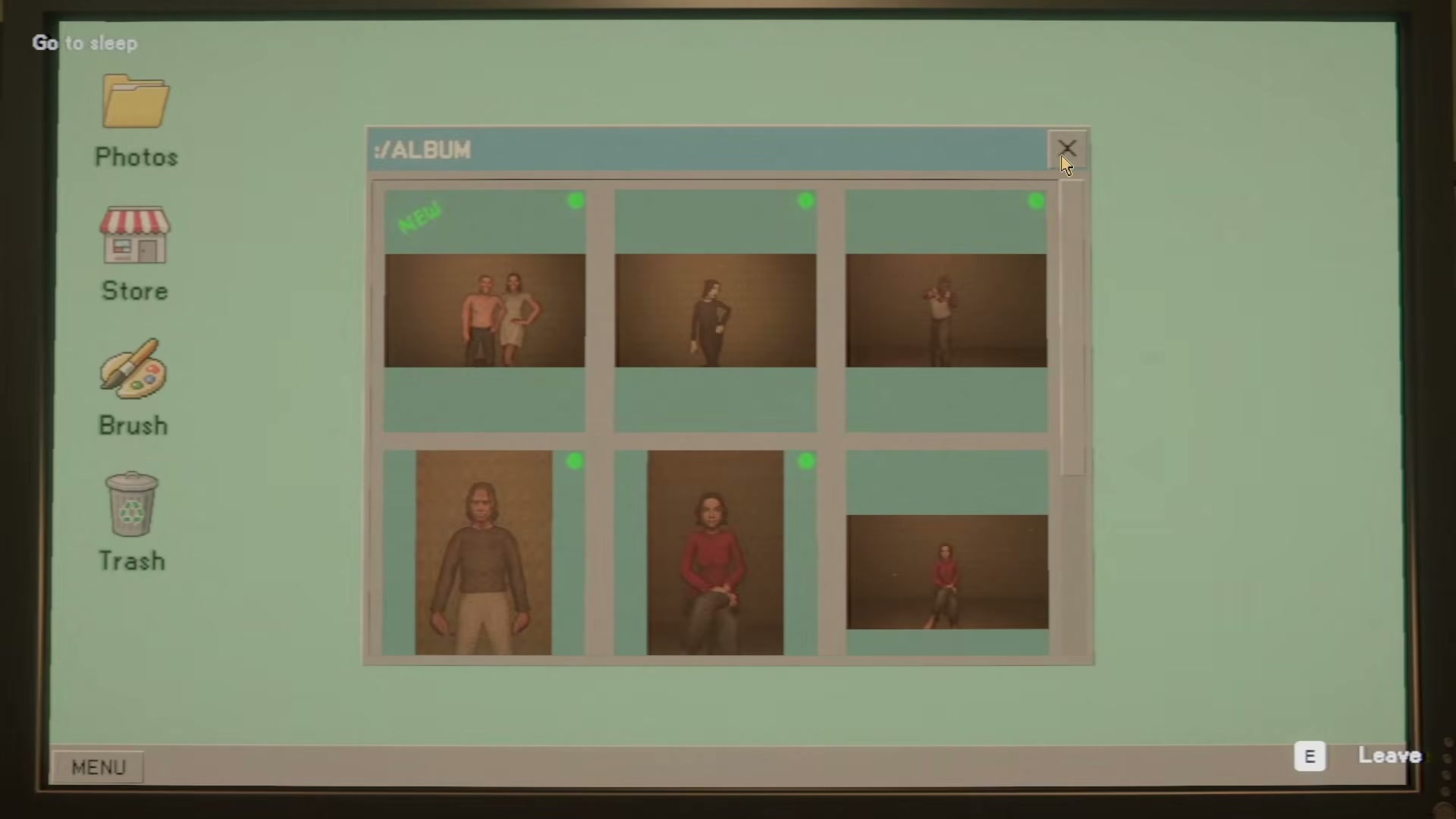
The four-tier spending order
I split every purchase into four tiers and bought strictly in order. Skipping tiers is how a run ends up with a nice-looking studio and no envelopes to deliver anything.
- Tier 1 · Consumables
- Paper, Ink, Envelopes, Film — the cost of doing business. Buy before you run out, never after.
- Tier 2 · Photo-room equipment
- Soft box and Background — equipment the camera orders actually use. Buy once orders are running clean.
- Tier 3 · Workspace setup
- Studio upgrades that visibly change the room. Buy from order profit, not from your stock buffer.
- Tier 4 · Decoration
- Wall photos, computer wallpaper, decor. Buy last, or get the wallpaper for free.
Why consumables are not really a choice
Paper, Ink, Envelopes and Film are the cost of doing business. The printer stops mid-job without paper or ink; a fully developed set of prints cannot be delivered without an envelope. A thin buffer of consumables pays for itself across every remaining shift. Envelopes in particular are worth over-buying — they are the last item in the chain, so you only discover the shortage when the customer is standing there with their hand out.
The tested buy-order checklist
After each delivered order, I asked whether the payment was stock money or upgrade money before opening the Store. Once stock had a buffer, the surplus became upgrade money. The habit is simple: buy stock in the same Store visit, then look at equipment with whatever is left.
- Top the four consumables up to a buffer that survives one nine-copy order.
- Cover Envelopes generously — they are the last blocker before payment.
- Buy the soft box and a background once your orders are running clean.
- Upgrade the workspace out of order profit, not out of your stock money.
- Leave wall photos and decor until the shop already runs smoothly.
- Keep a cash floor so an unplanned restock never has to wait for tomorrow.
Background and soft box: the first real upgrade
The background is the backdrop behind the marked spot where camera orders are shot. In my test the listed price was 75 dollars, which is a real decision when early balances sit in the low hundreds. The soft box improves the photo-room lighting. Both belong in Tier 2: they change the quality of the shots the camera route produces, and they keep paying across every remaining customer.
The free upgrade most runs skip
Open any photo you have transferred to the computer and the viewer offers a Set As action. That turns your own shot into the shop computer wallpaper at no cost — the cheapest decoration in the game. Wall photos work on the same principle: the studio you decorate is partly made of the work you already did. Free is easy; the paid list needs an order of operations.
How purchases actually arrive
Purchases do not appear on the shelf. What you buy is dropped on the delivery pallet in the back alley, and you carry it in yourself. The thud you hear mid-shift is usually that drop-off rather than anything worth photographing. Plan your Store visits around dead time: prints on the drying rack, a printer chewing through a high count, or a customer walking to the marked spot.
- Order from the Store while the current task is running.
- Walk to the back alley to collect the delivery.
- Carry it inside and interact with the shelf or station to install it.
The buy-order decision table
When you are not sure, read your own situation off this table instead of browsing the Store and buying whatever looks nice.
- Balance low and Paper thin
- Paper and Envelopes — a background can wait a day.
- Two orders clean, stock comfortable
- One equipment upgrade, then re-check the four supplies.
- A nine-copy print job on the counter
- Paper and Ink before you start, not halfway through.
- Late in the run with cash spare
- Decoration and wall photos — there is no next run to bank it for.
- Orders clean but you keep missing reports
- Nothing in the Store fixes that — see the anomaly checklist.
Use this as a priority, not a price list
This guide does not publish a complete price table, a universal best-first item, or a claim that a specific spending level creates a soft lock. Read the Store screen before confirming a purchase, and treat the four-tier order as a spending discipline rather than a fixed shopping list.