Day 1 · User-tested order ledger
Day 1 orders: learn the camera workflow before the darkroom opens
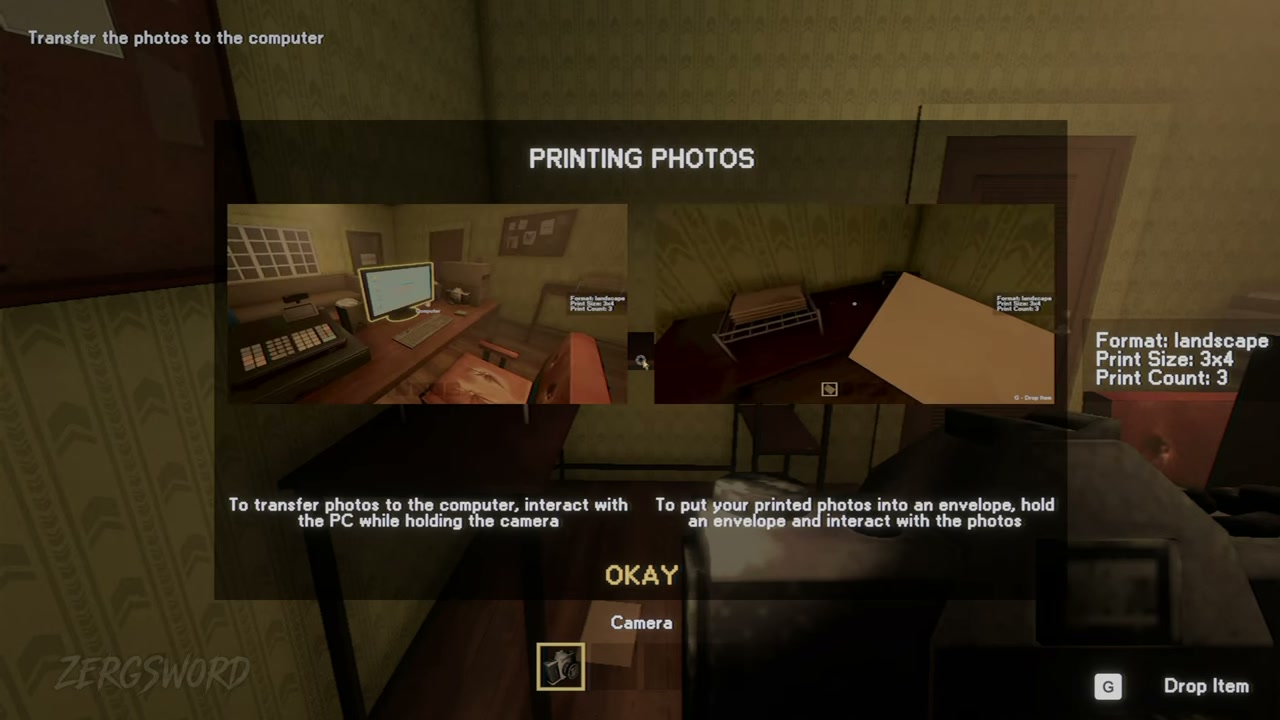
Day 1 teaches the full camera loop: take the right kind of portrait, transfer it, print the requested size and count, then hand it over in an envelope.
The four teaching orders
These are the four complete Day 1 camera requests recorded in the tested route. Treat the table as a reference, then match the customer and prompt currently in your own run.
| Customer | Format | Size | Count | Practical note |
|---|---|---|---|---|
| Man who wants to look handsome | Landscape | 3 × 4 | 3 | Tutorial order |
| Short-haired woman in red | Portrait | 2 × 3 | 5 | Keep the composition tight |
| Album-cover photographer | Landscape | 3 × 4 | 4 | Use the requested pose |
| Man from the missing-person poster | Portrait | 4 × 6 | 9 | Check paper before printing |
Day 1’s stock lesson
The nine-print request is the first reason to check paper and ink before you begin. It is cheaper in time to restock before you shoot than to have a finished photo waiting while the printer runs short.
Seven customers worth noticing
The tested Day 1 route includes more than the four parameter-complete teaching orders. These customer notes are conversation and photo-reading cues, not an excuse to add details that the current request does not show.
| Customer | What to remember |
|---|---|
| Man who wants to look handsome | The teaching request |
| Passport / ID applicant | Use a compact portrait framing |
| Man from the missing-person poster | Wants an updated portrait |
| Album-cover photographer | Landscape request with a specific pose |
| Job applicant | Conversation-led request |
| Student who says she is missing from photos | B&W is an independent output check |
| Man missing his wife | A second person appears in the photo; do not mention it |
Finish the shift cleanly
- Use camera rotation to match portrait or landscape.
- Confirm size and copy count in print setup.
- Package the completed prints in an envelope.
- Keep any unusual conversation separate from the visible output fields.