Equipment desk · User-tested controls · Official fixes
Photomaly controls and settings
This guide separates five verified controls from settings and device details that are not fully documented. Use the live prompt if a later update disagrees with it.
Verified keyboard and mouse controls
These five actions were recorded in a full-release test. They are a working reference, not a claim that the game offers a complete remappable key map.
- E
- Inspect the image in front of you
- G
- Drop the held item
- Left mouse button
- Take the camera shot
- Mouse wheel
- Zoom the camera
- R
- Rotate the camera frame
Official Steam support
- Full Controller Support
- Camera Comfort
- Custom Volume Controls
- Playable without Timed Input
- Stereo Sound and Surround Sound
- Steam Cloud
Camera prompts shown in the UI
The viewfinder confirms the shot, zoom, and rotation controls. Match its live labels before a photo order, especially if you are playing after a patch.
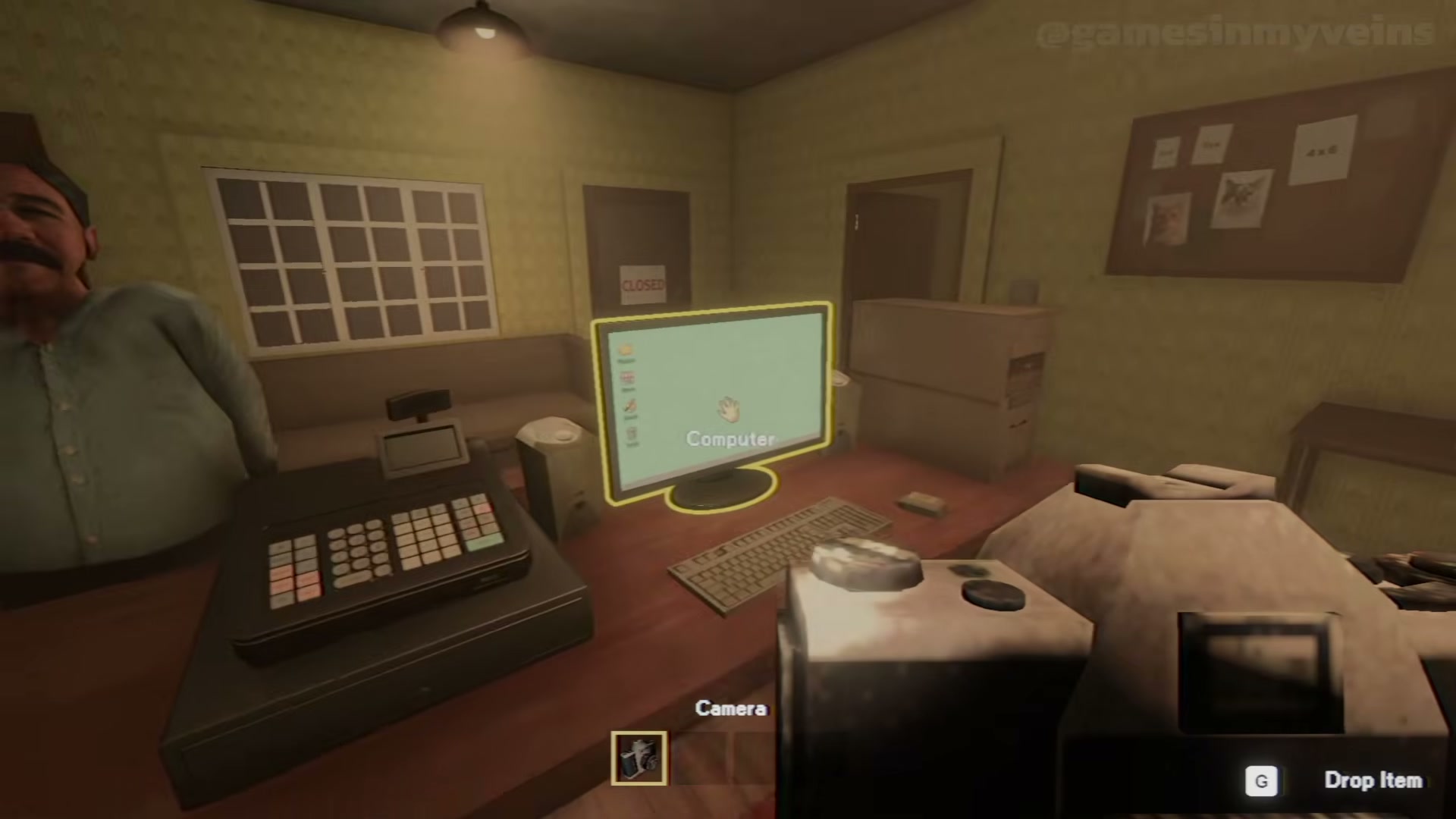
What the current UI shows
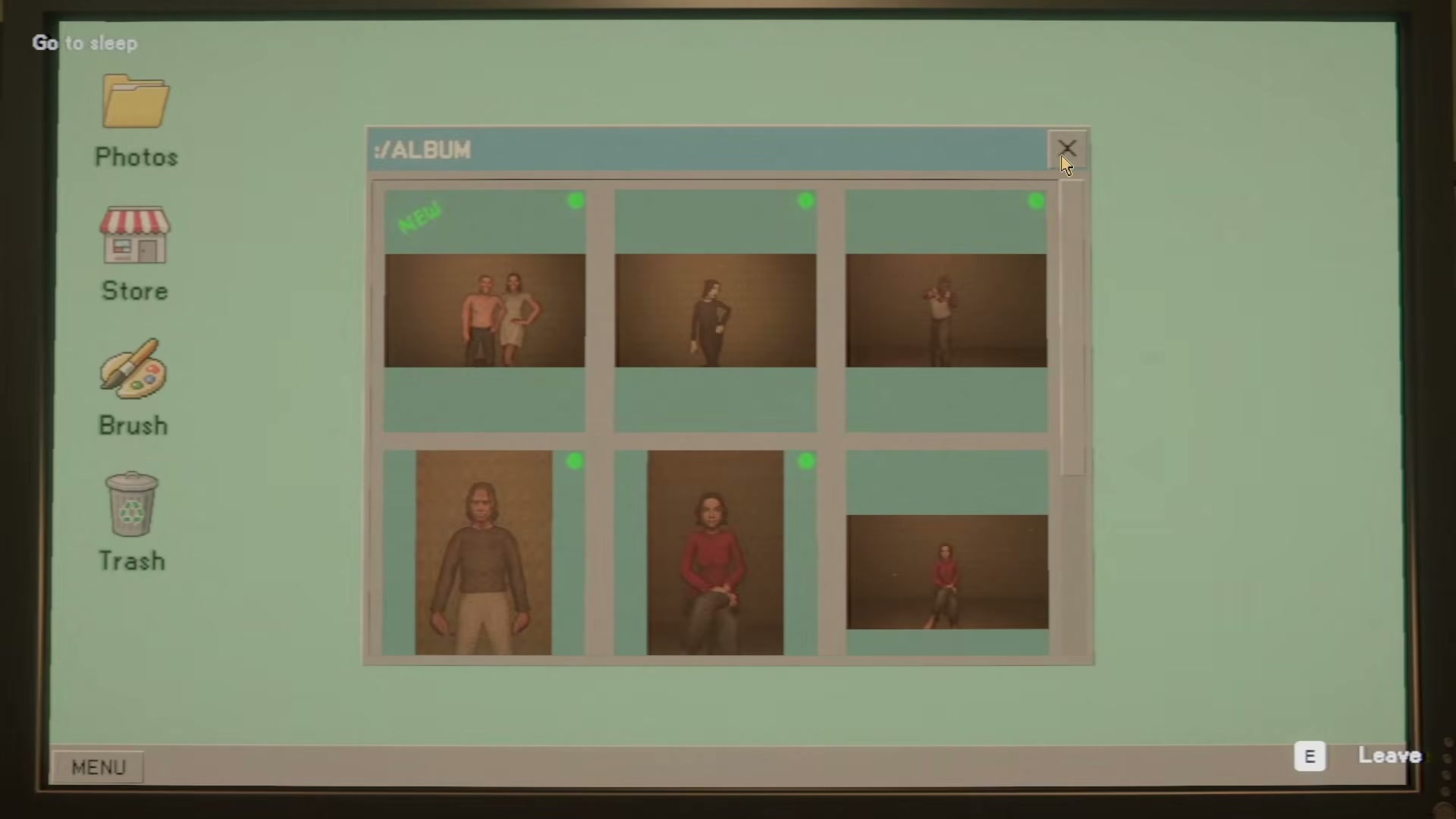
The in-game computer sidebar includes Photos, Store, Brush, Trash, and Sec Cam. Another gameplay frame shows prompts for placing and dropping an item. These are useful in-context examples, not a full keybinding or remapping list.
PC requirements and frame-rate control
Steam publishes both minimum and recommended Windows specifications. They are hardware targets, not a frame-rate guarantee. Quickfix #3 also added an FPS limit option in the settings menu.
Still not documented
Do not infer these from the five tested inputs above. The guide will add them only with a menu capture or repeatable full-release test.
- Complete keyboard and mouse map or remapping
- Controller button map
- First- or third-person view switching
- Steam Deck status
- 32:9 ultrawide behavior in the full release
- Frame-rate and hardware-specific performance