Security desk · Full-release test · spoilers
All 10 Photomaly anomaly locations
The tested good-ending route requires all 10 camera reports across Days 2–4. Check the feeds around new customer arrivals, click the anomaly, and confirm that it disappears before moving on.
How to log an anomaly
Open the security-camera feed, spot the abnormal figure or object, then click it to photograph/report it. In the test, a successful report made the anomaly disappear and added it to the computer log. If it remains, click it again before leaving the feed.
- Switch feeds instead of waiting on a single camera.
- Check when a new customer arrives; that was the most reliable tested timing.
- Do not stay at the computer continuously—continue normal tasks between checks.
- Use disappearance on the feed as the immediate confirmation.
Day 2 · 3 reports
Both room reports are easy to group into one pass. Check them early, then sweep the reception camera.
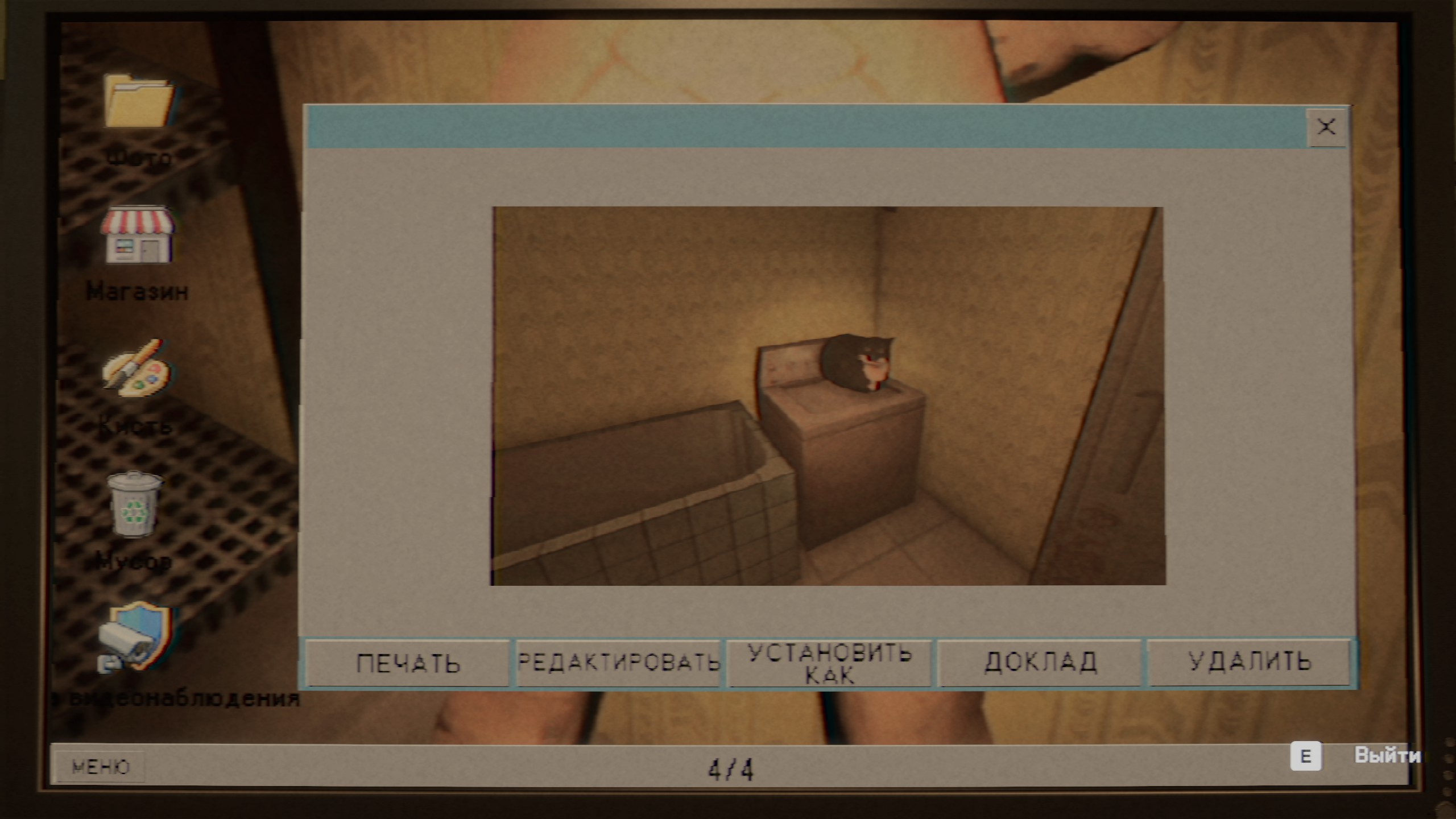
- Your room
- A man ironing clothes.
- Your room, under the bed
- A woman peeking out.
- Reception area
- A monster lying on the sofa.
Day 3 · 3 reports
The Day 3 test separated the three reports across the darkroom, bathroom, and backyard feeds. Sweep all three rather than waiting for a single room to update.
- Darkroom
- A horse hanging from the ceiling.
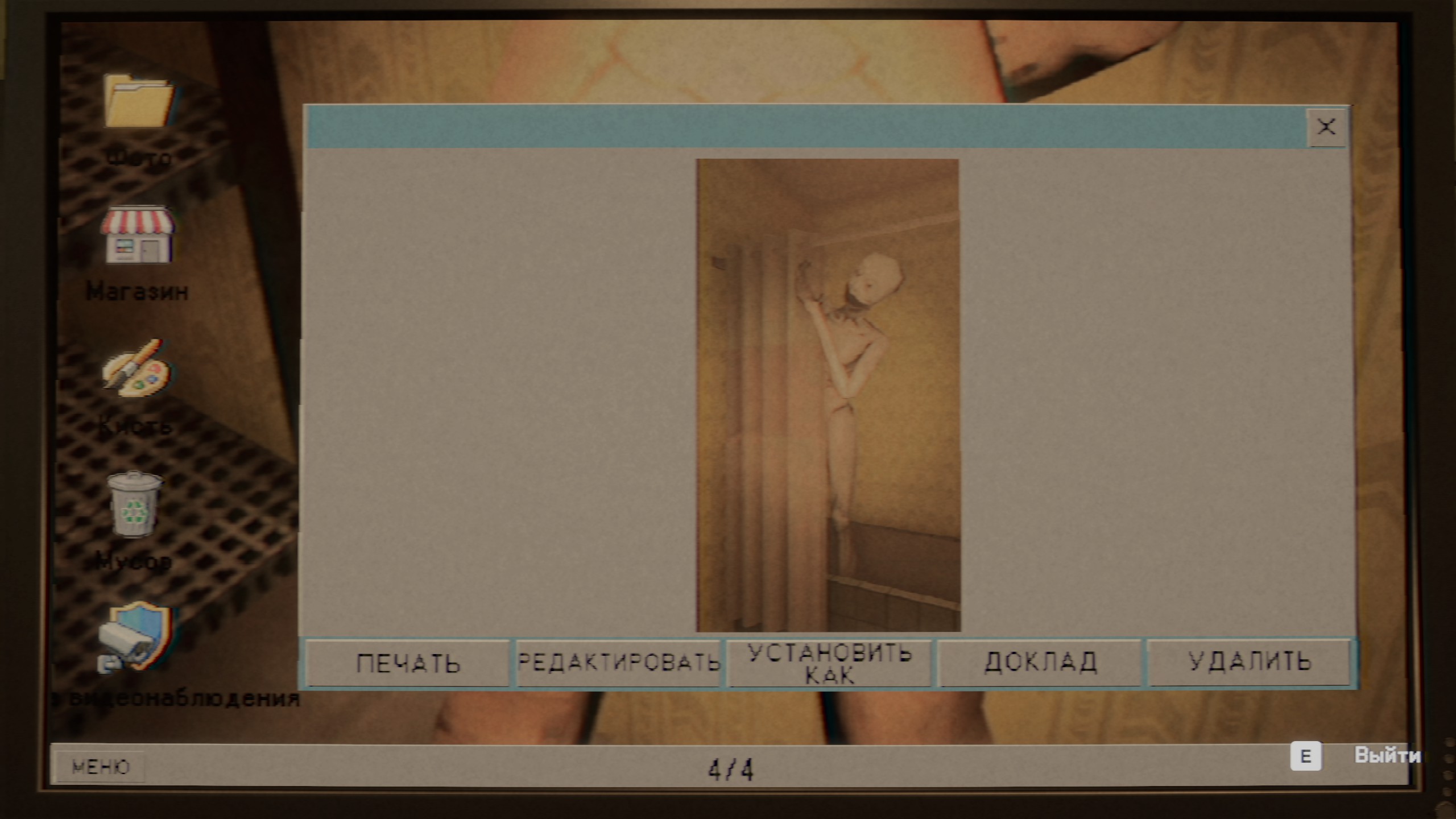
- Bathroom
- Someone hiding behind the shower curtain.
- Backyard
- A creature inside the trash can.
Day 4 · 4 reports
The backyard clown is particularly easy to miss if you only watch interior cameras. Include the outdoor feed in every Day 4 sweep.
- Reception ceiling
- A hand reaching from the ventilation opening.
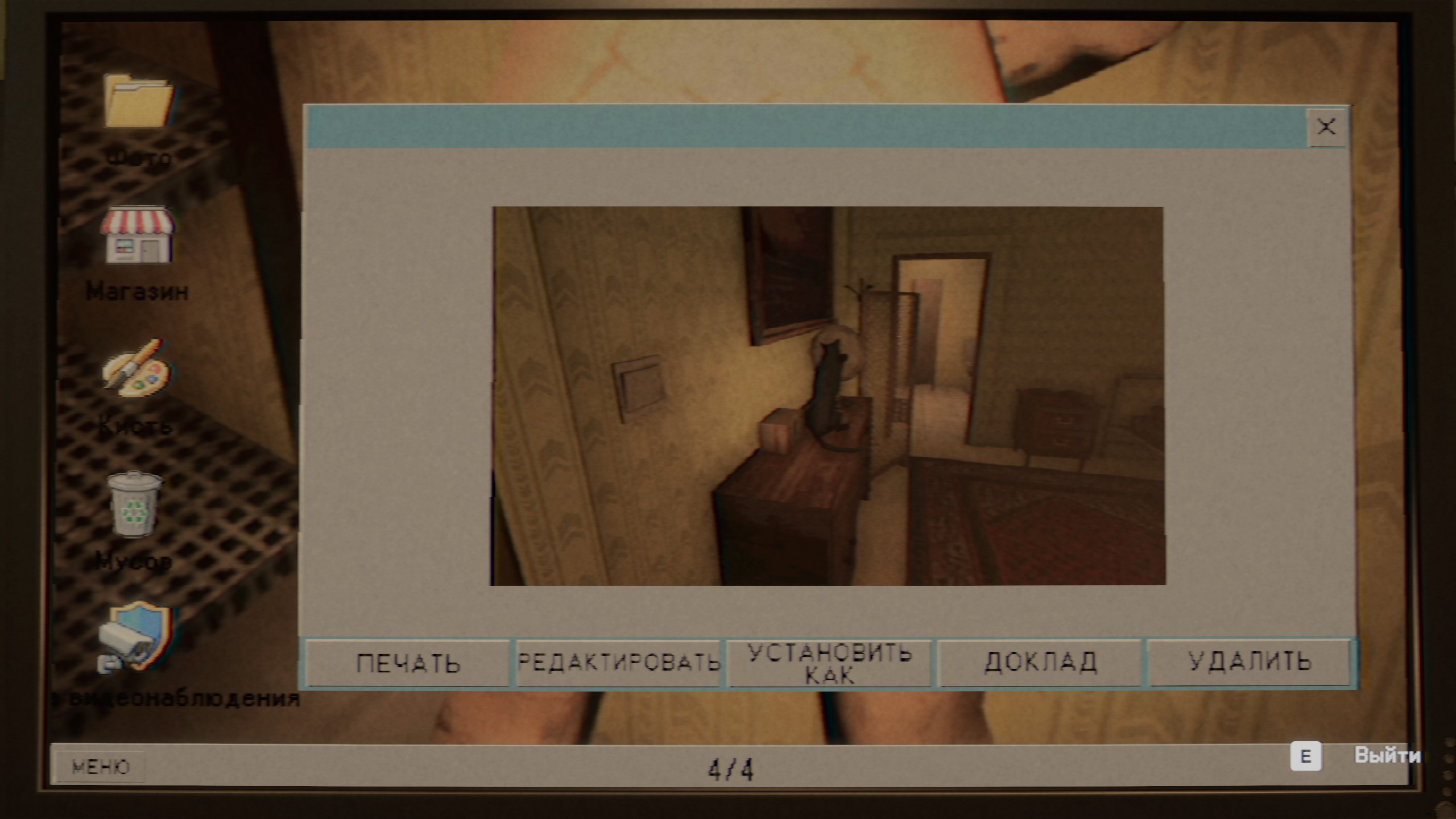
- Your room, nightstand
- A cat playing with a globe.
- Backyard, by the van
- A clown standing near the van.
- Your room, bed
- A child jumping on the bed.
What not to count
Two Day 3 scenes can look like reports but were not counted in the tested 10-location checklist.
- The person sitting in the toilet is not an anomaly; startling them can interfere with the normal flow.
- The person behind the backyard door is a story interaction. Call for help, but do not treat it as one of the 10 reports.
Short, sourced answers
How many anomalies do I need to report for the Photomaly good ending?
The tested good-ending route requires all 10 reports: three on Day 2, three on Day 3, and four on Day 4.
How do I know an anomaly report worked in Photomaly?
In the tested route, the anomaly disappeared from its security-camera feed and was added to the computer log. If it remains on screen, click it again before leaving the feed.