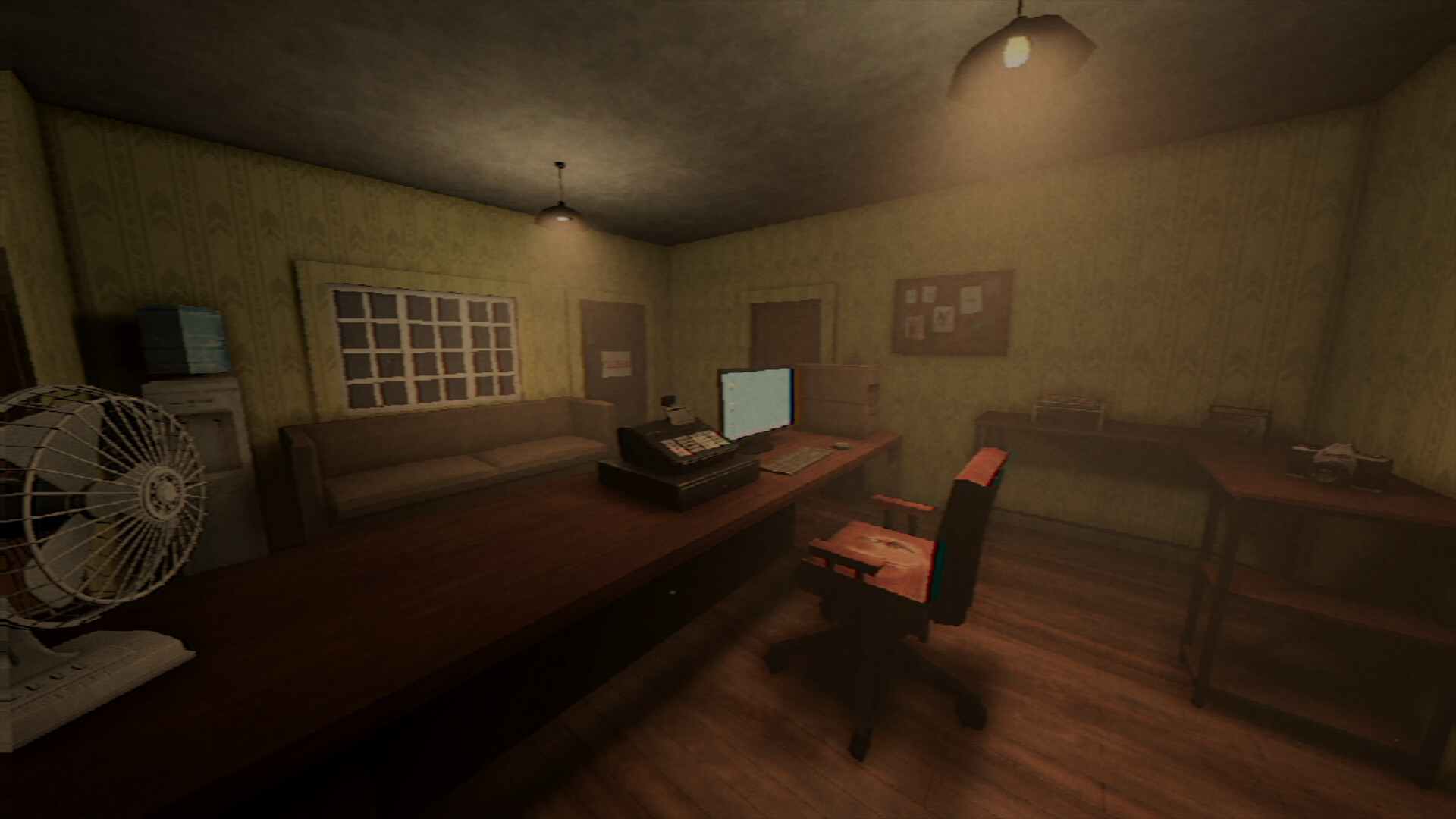
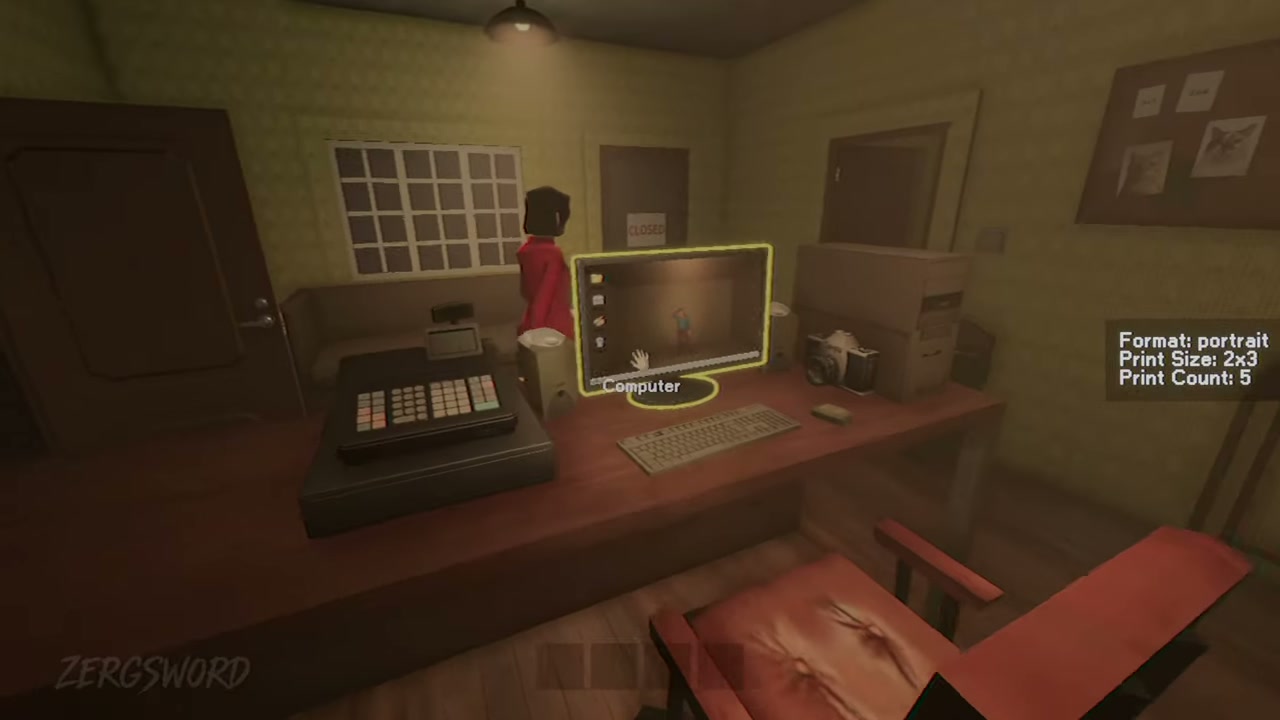
Keep an eye on stock
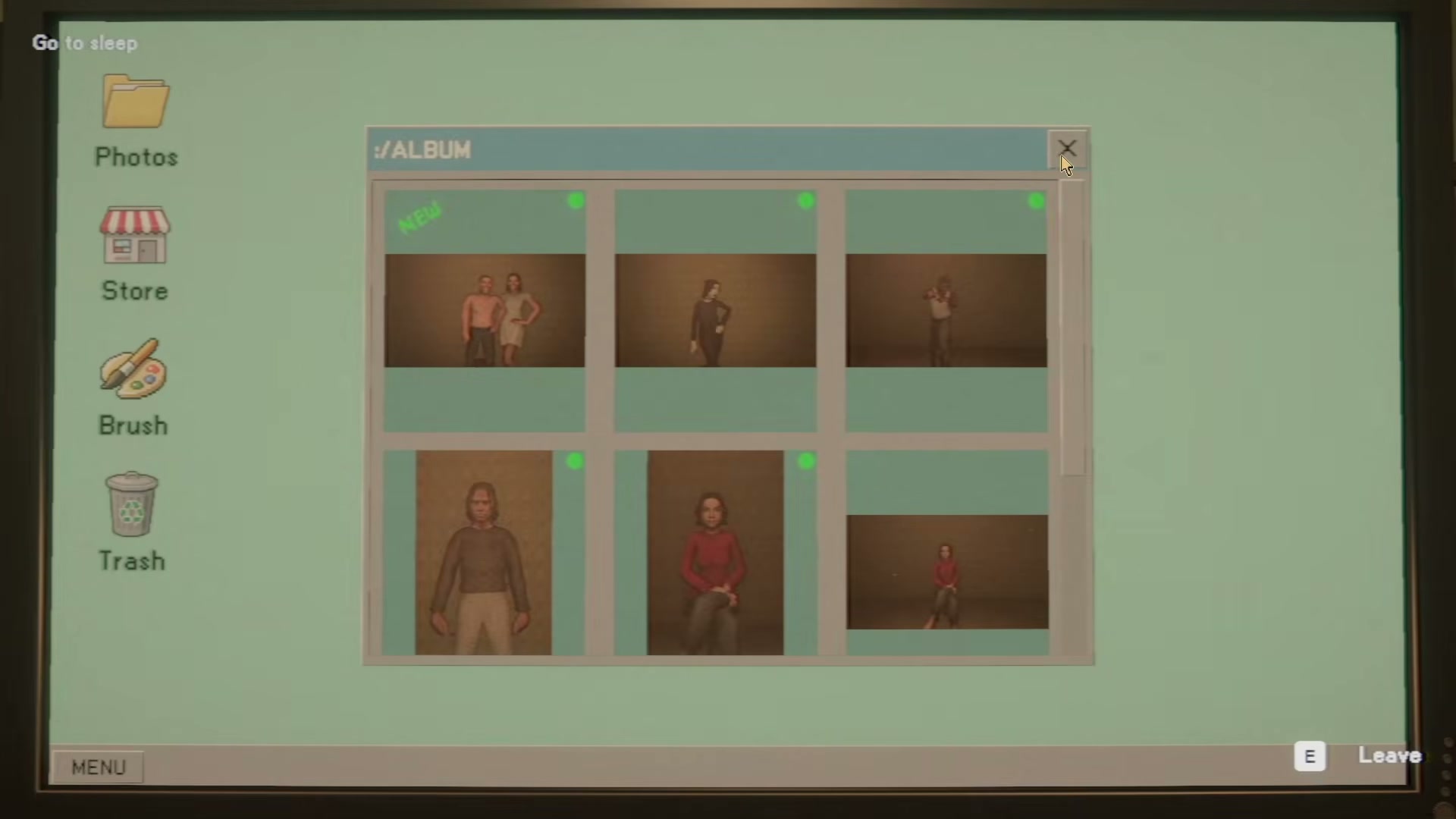
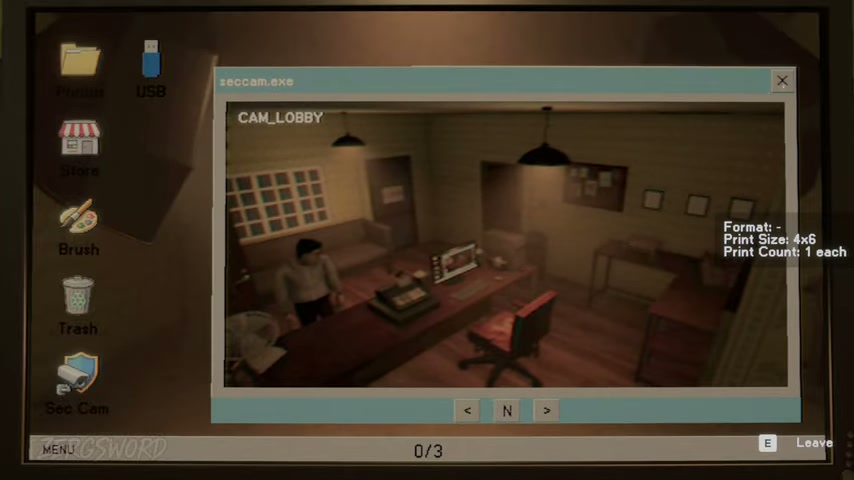
The print screen shows Paper Stock and Ink Level, and its desktop sidebar includes Store access. Use it as a practical checklist, not a complete shop catalogue.
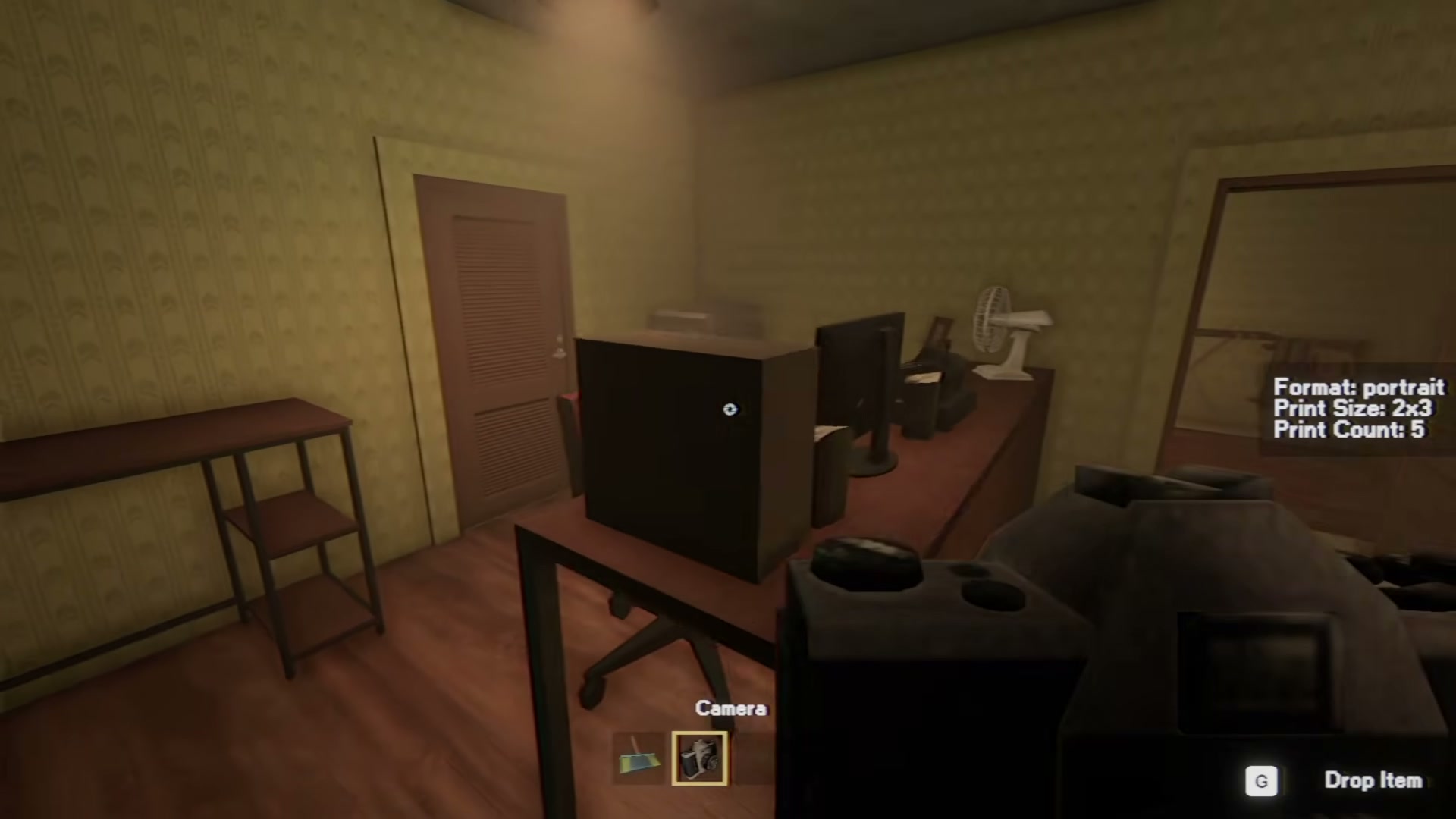
The print screen shows Paper Stock and Ink Level; Store is visible in the computer sidebar.
| Specification | Detail |
|---|---|
| Paper | Used for photo printing |
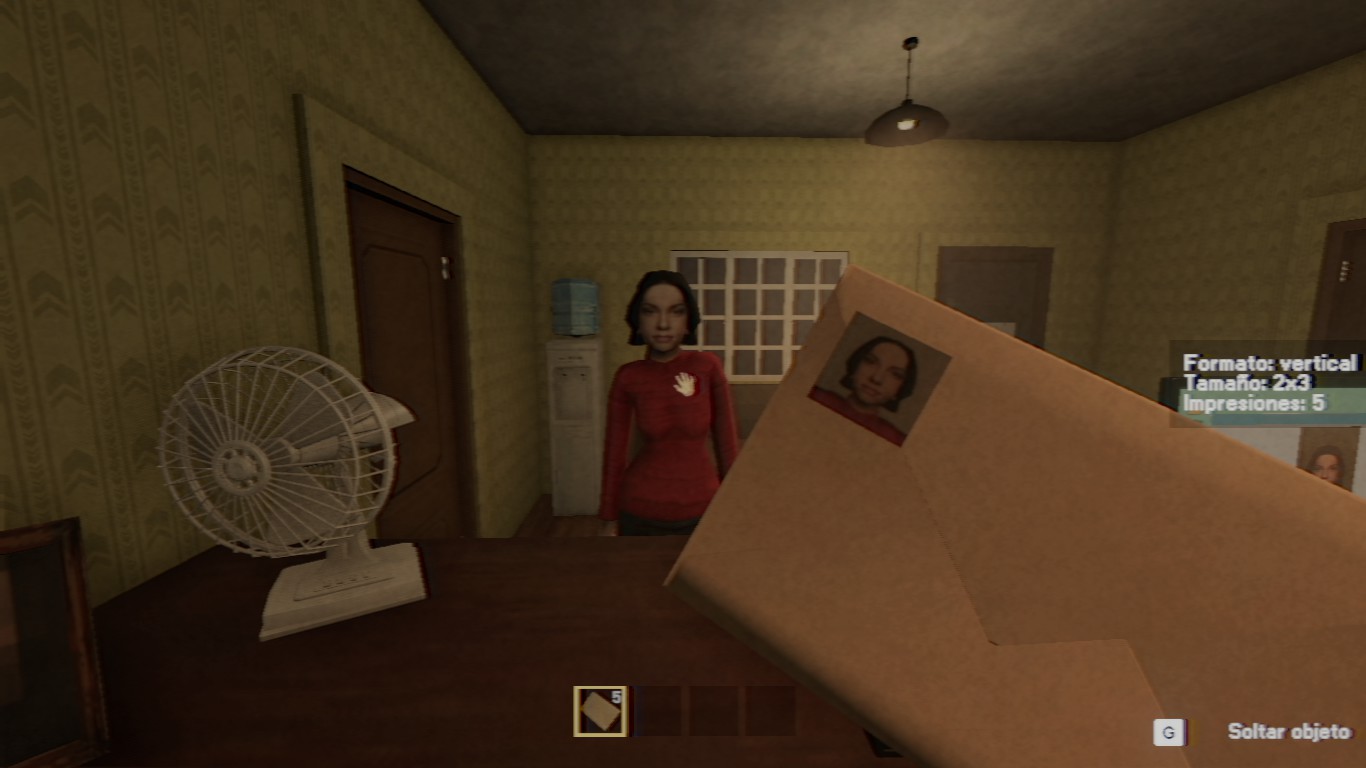
| Envelopes | Used to prepare completed orders for delivery |
| Ink | Used in the printing workflow |
| Backgrounds | Observed as purchasable studio setup items |
Avoid an avoidable stall
- Check paper, envelopes, and ink before starting a print-heavy request.
- Read the current order before choosing a background or other studio setup.
- Keep a quick note of supplies you use instead of assuming every action consumes the same resource.
- If stock behaves differently after a patch, follow the live UI and note the version.
What is intentionally not ranked
We do not publish best upgrade paths, exact supply prices, or a claim that any stock level creates a soft lock. Those details need a documented, repeatable release test for the current build.