Radar
SIGNAL LOST Survival & Commands Guide
Survival guide for SIGNAL LOST on Steam: learn terminal commands, cascading failure priorities, pod mechanics, and all Venus ending routes.
Every guide is evidence-led and strictly aligned with official developer announcements and in-game testing. No fabricated claims, no speculative filler.
Survival guide for SIGNAL LOST on Steam: learn terminal commands, cascading failure priorities, pod mechanics, and all Venus ending routes.
Unlock all 10 Photomaly achievements with a tested two-run route, including the anomaly ending, wrong order, agent photo and escape customer.
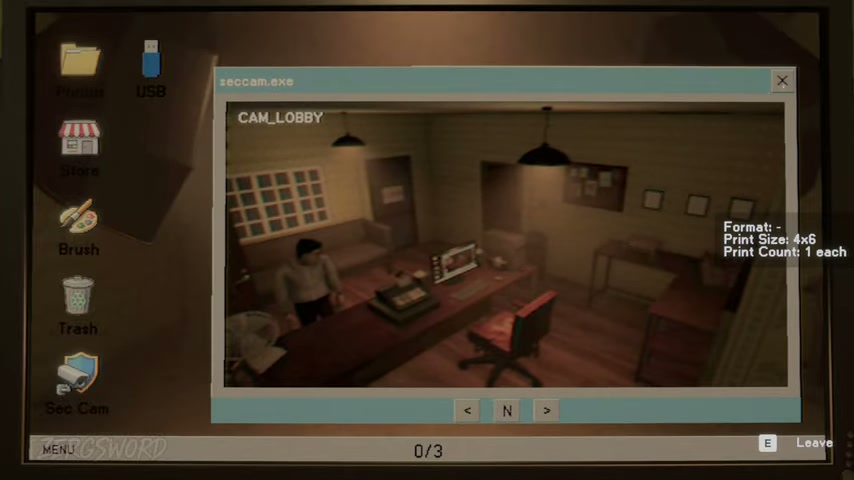
Find and report all 10 Photomaly anomalies across Days 2–4. Includes each camera location, monitoring tips, false alarms and the good-ending requirement.
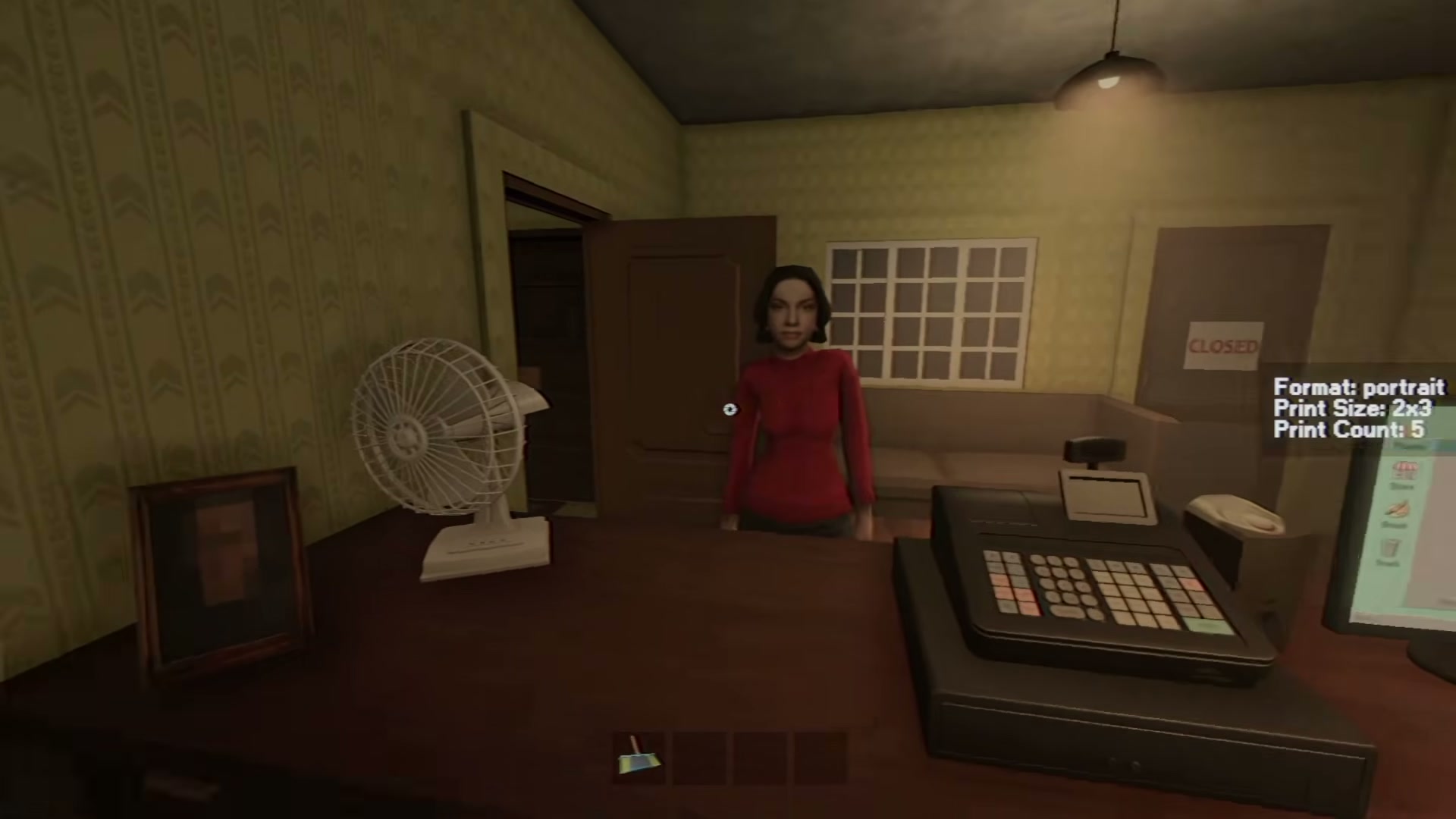
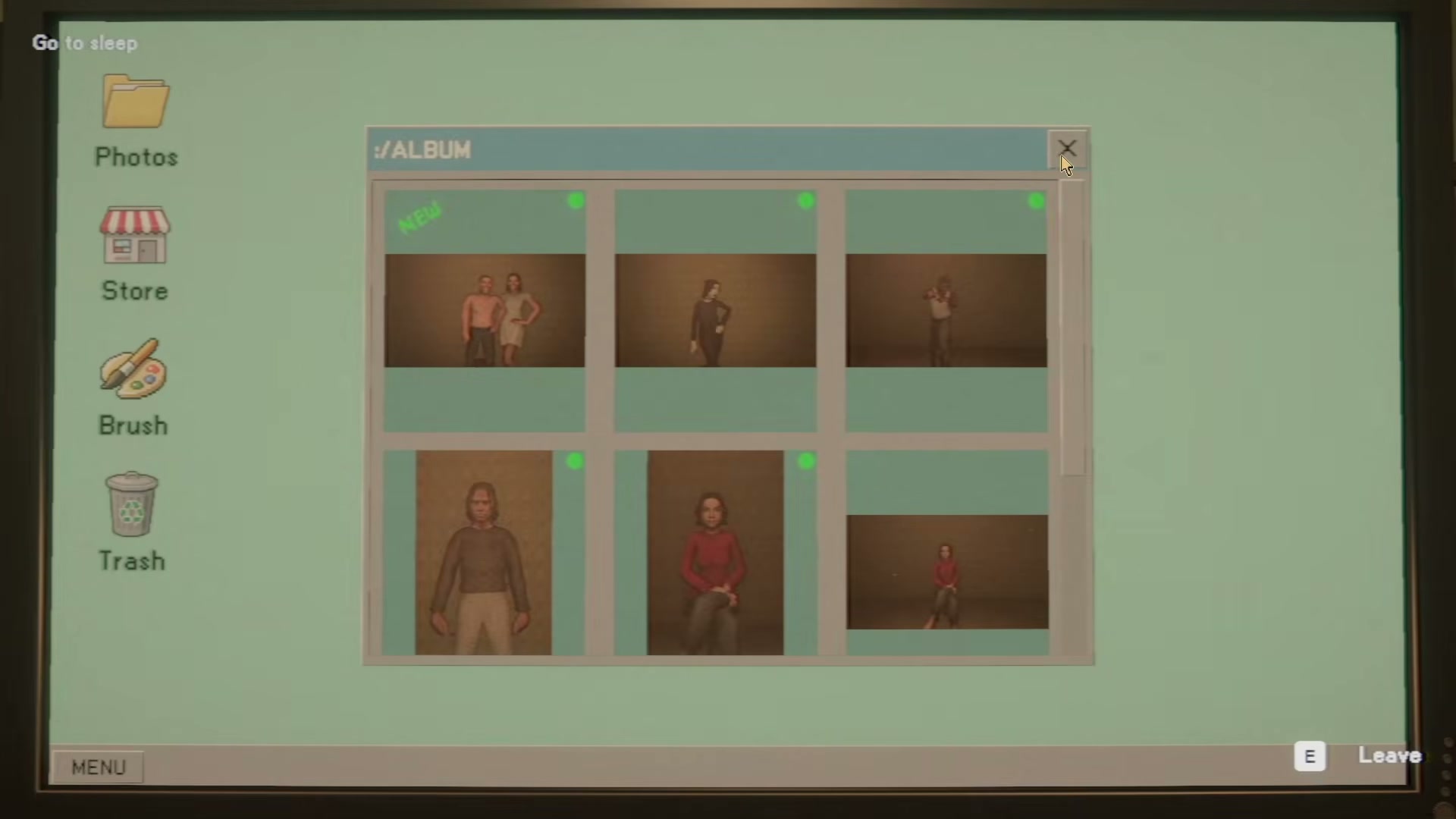
Start this Photomaly tutorial with the first-shift studio workflow: read the order, take or process the photo, print it, and deliver it.
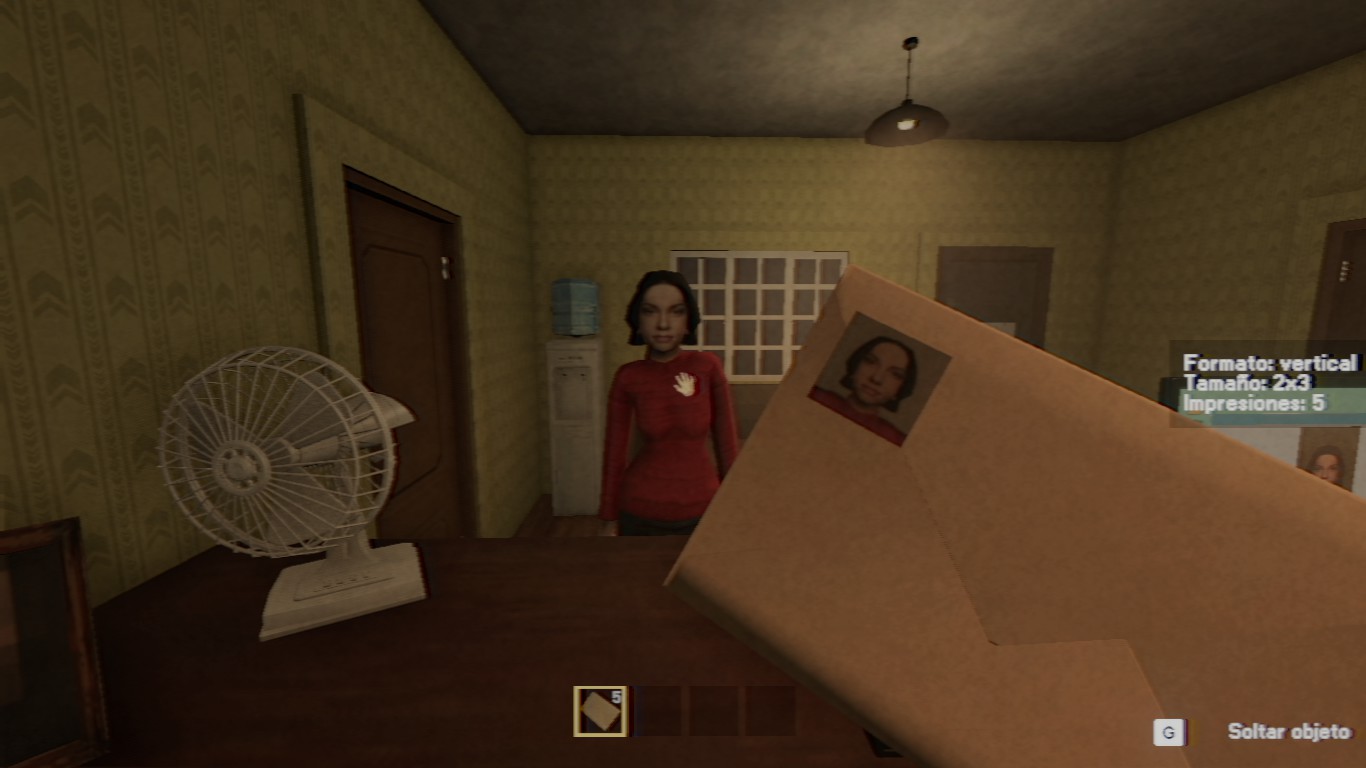
Complete Photomaly character and entity guide: the bald agent, sunglasses customer, backrooms mannequin, shadow figure, and your late father's secret lore.
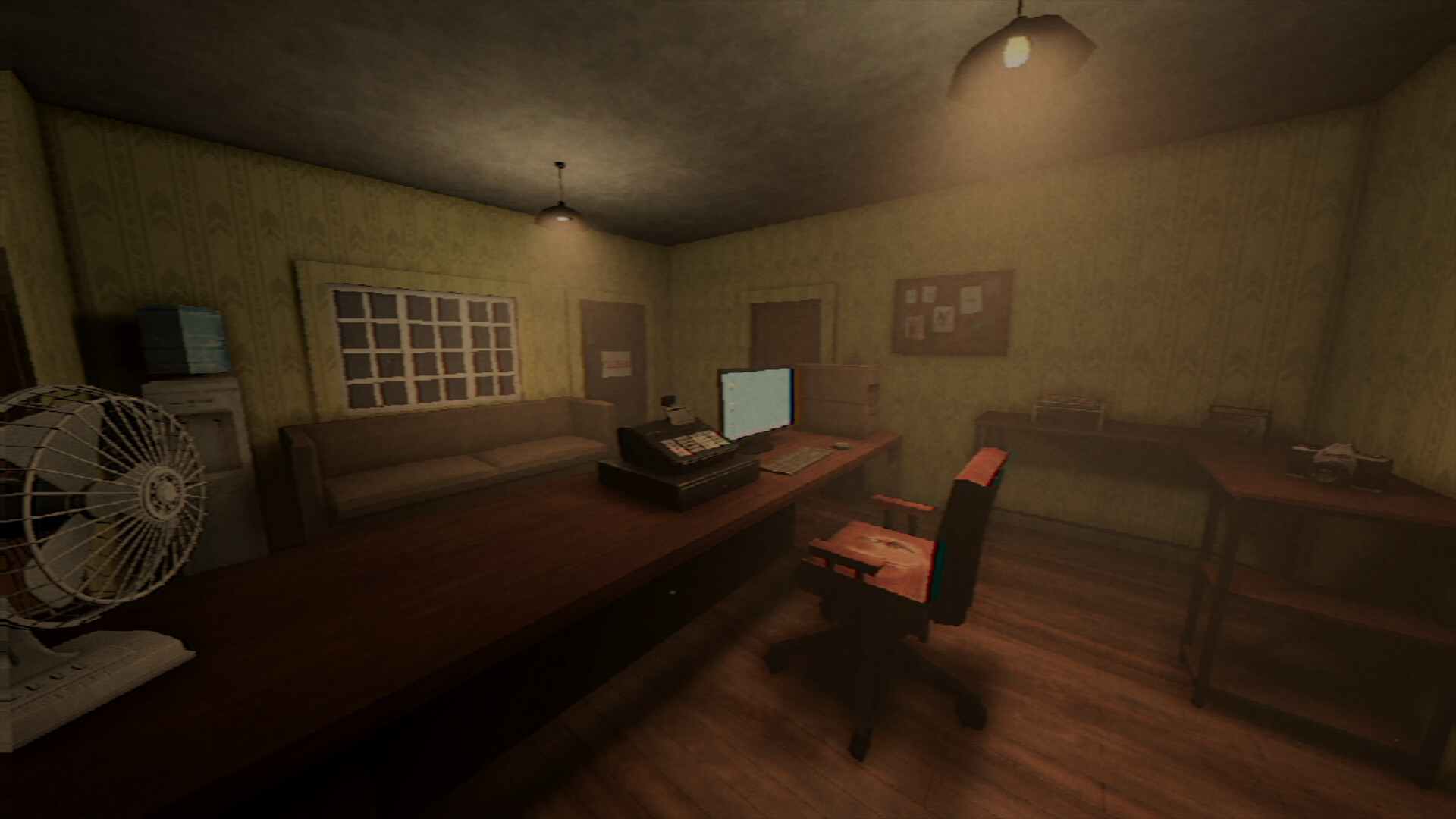
Use Photomaly's tested camera controls and keybinds: E to inspect, G to drop, left click to shoot, mouse wheel to zoom, and R to rotate.
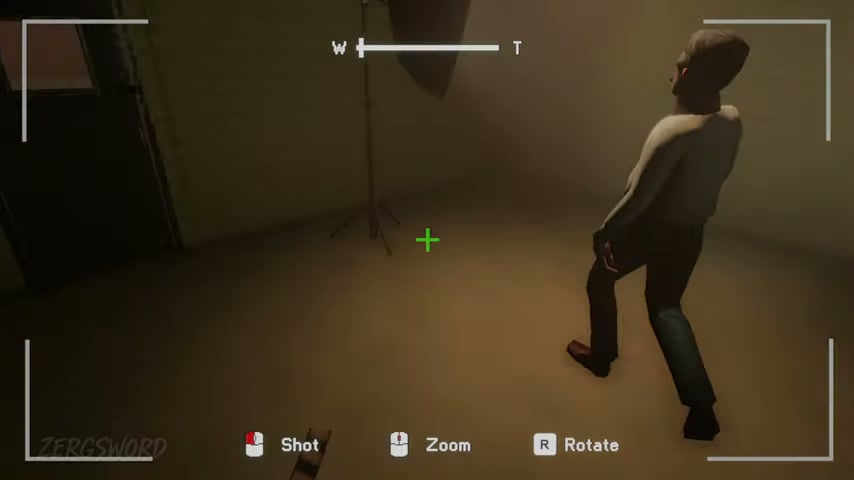
Use the tested Photomaly film workflow: cutting station, Developer, Stop Bath, Fixer, drying rack, envelope, and safe roll management.
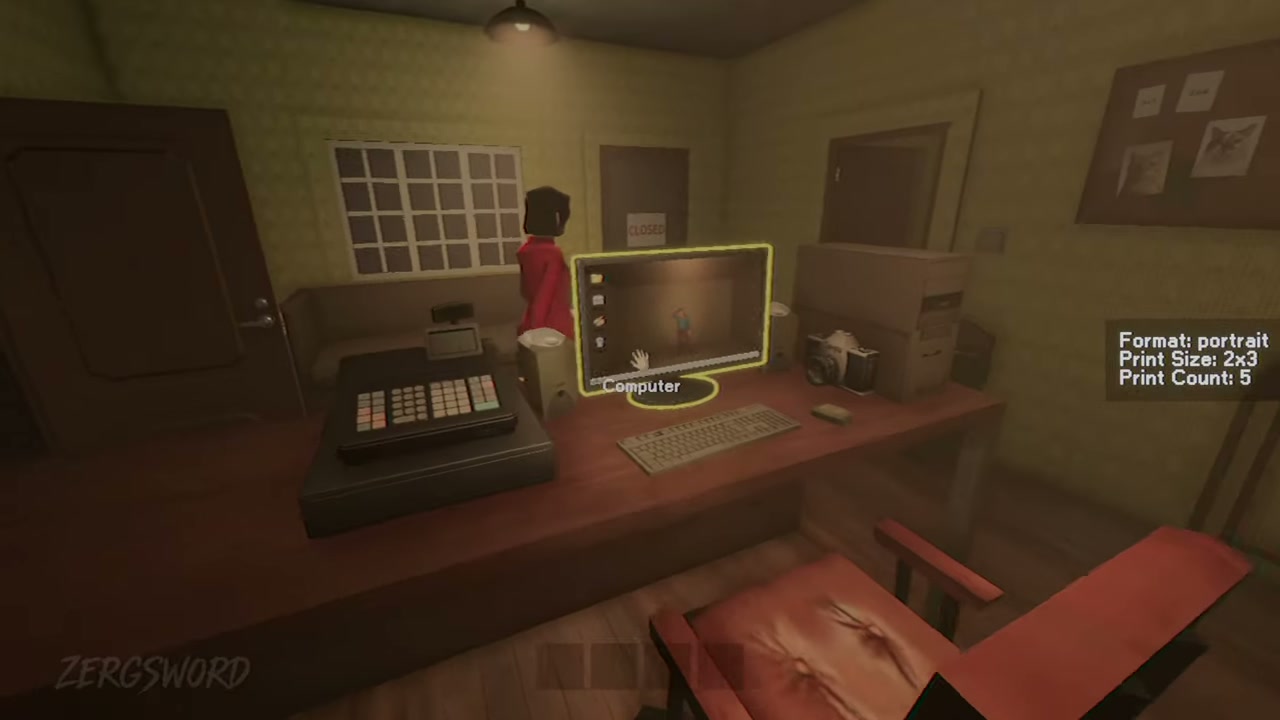
Complete Photomaly’s Day 1 teaching orders: four user-tested camera requests, their print settings, and the special customers to notice.
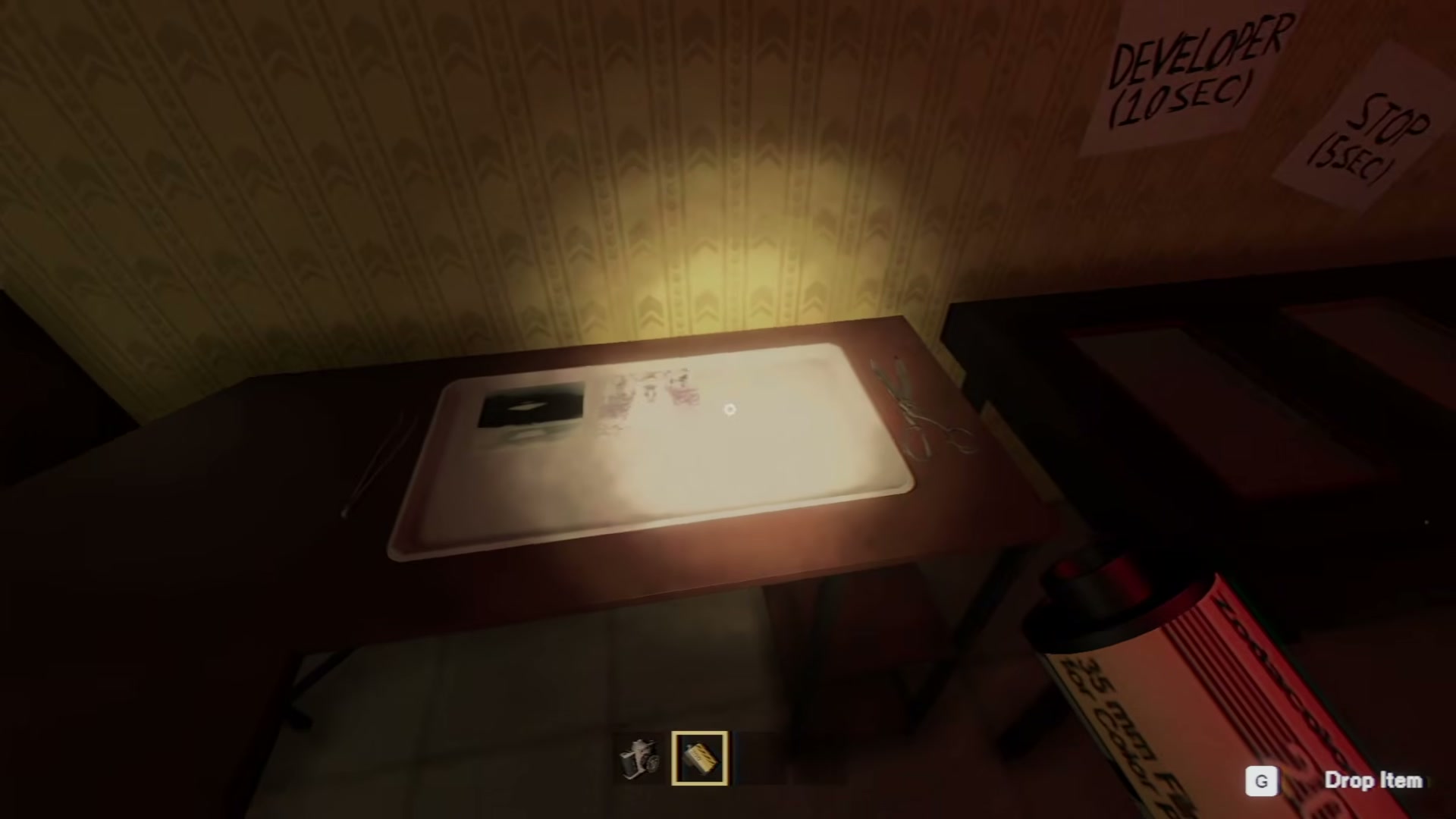
Compare the Photomaly Demo with the Full Release on Steam: 6-day campaign length, darkroom chemical development, 10 security anomalies, and ending routes.
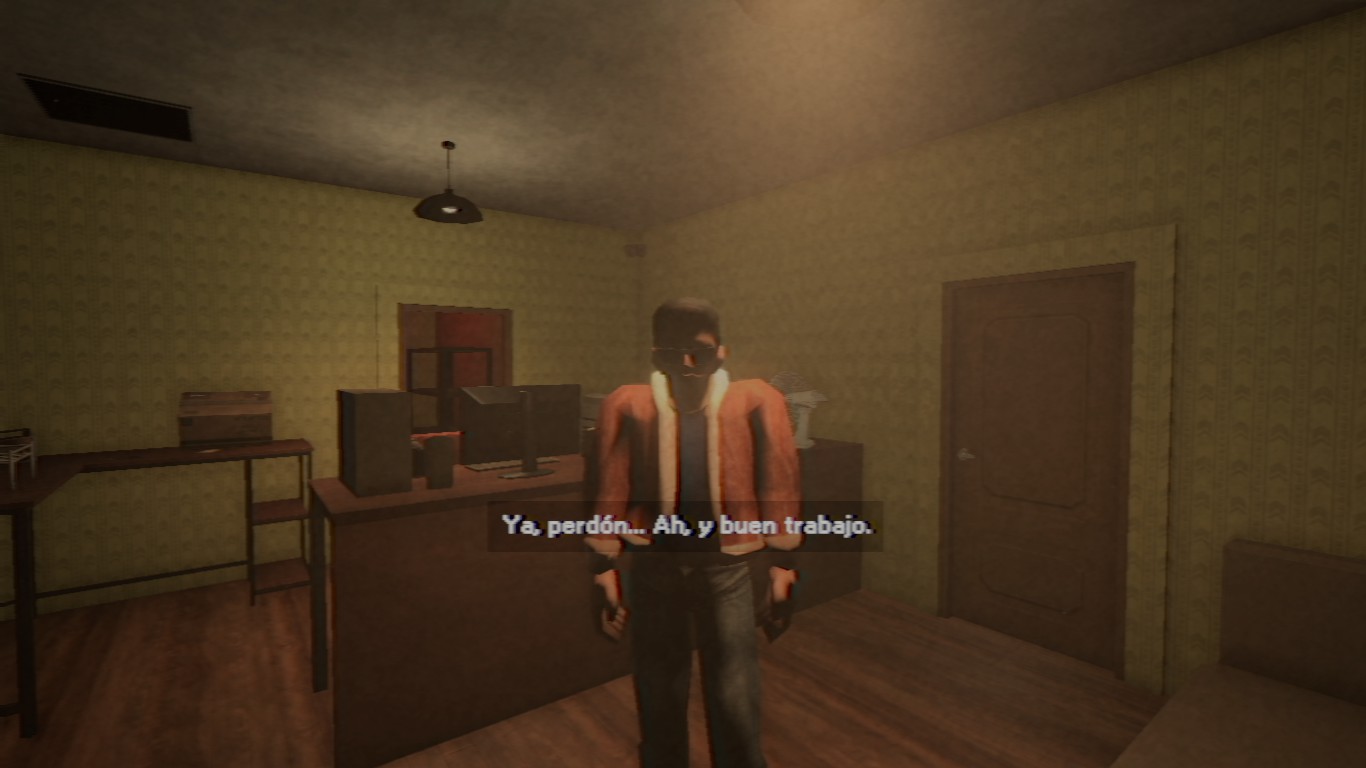
Reach both Photomaly Day 6 endings: complete the anomaly-report route for Family Matters, or skip reports for Reset Protocol. Spoiler-safe trigger steps.
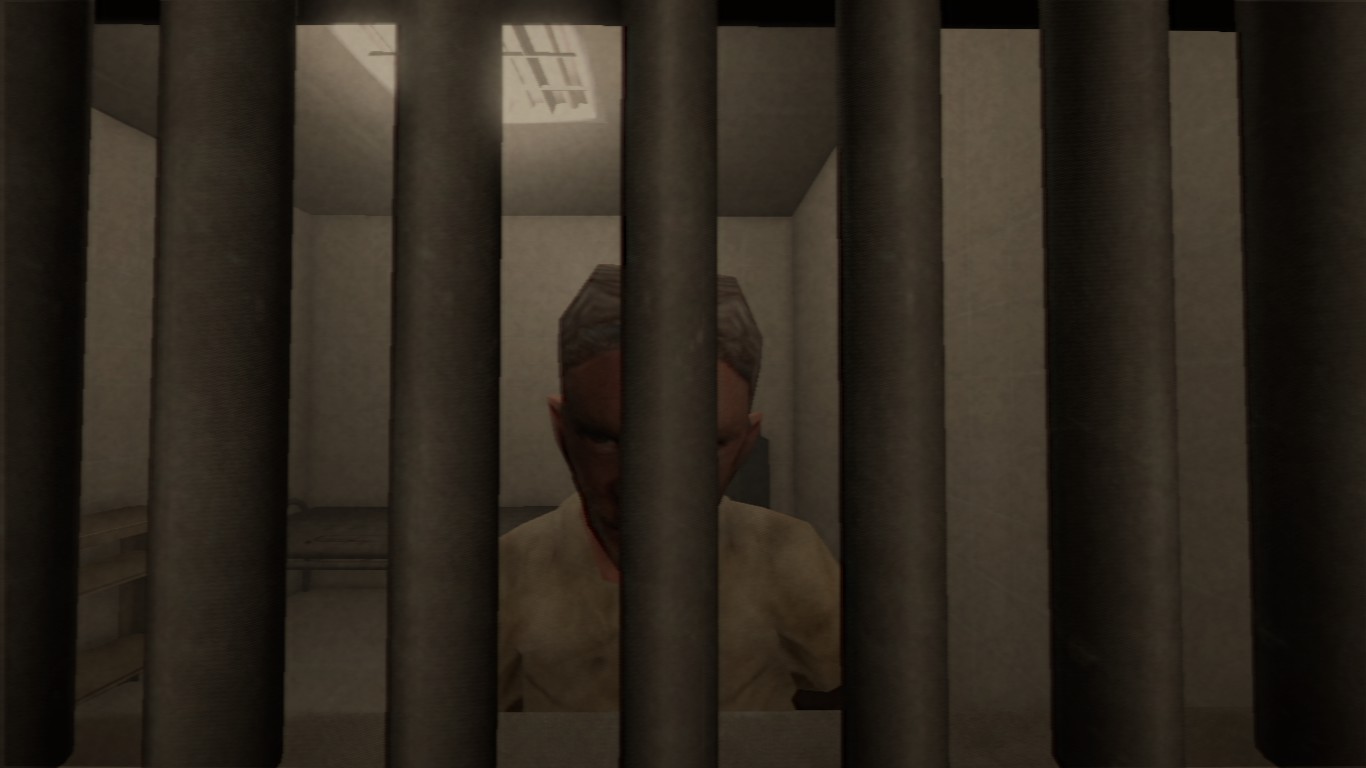
Complete Photomaly Backrooms escape guide: all 3 ladder piece locations, mannequin camera flash stun mechanics, and the step-by-step maze exit route.

Answers to confirmed Photomaly release, platform, controller, system requirement and guide evidence questions for complete mastery, optimal.
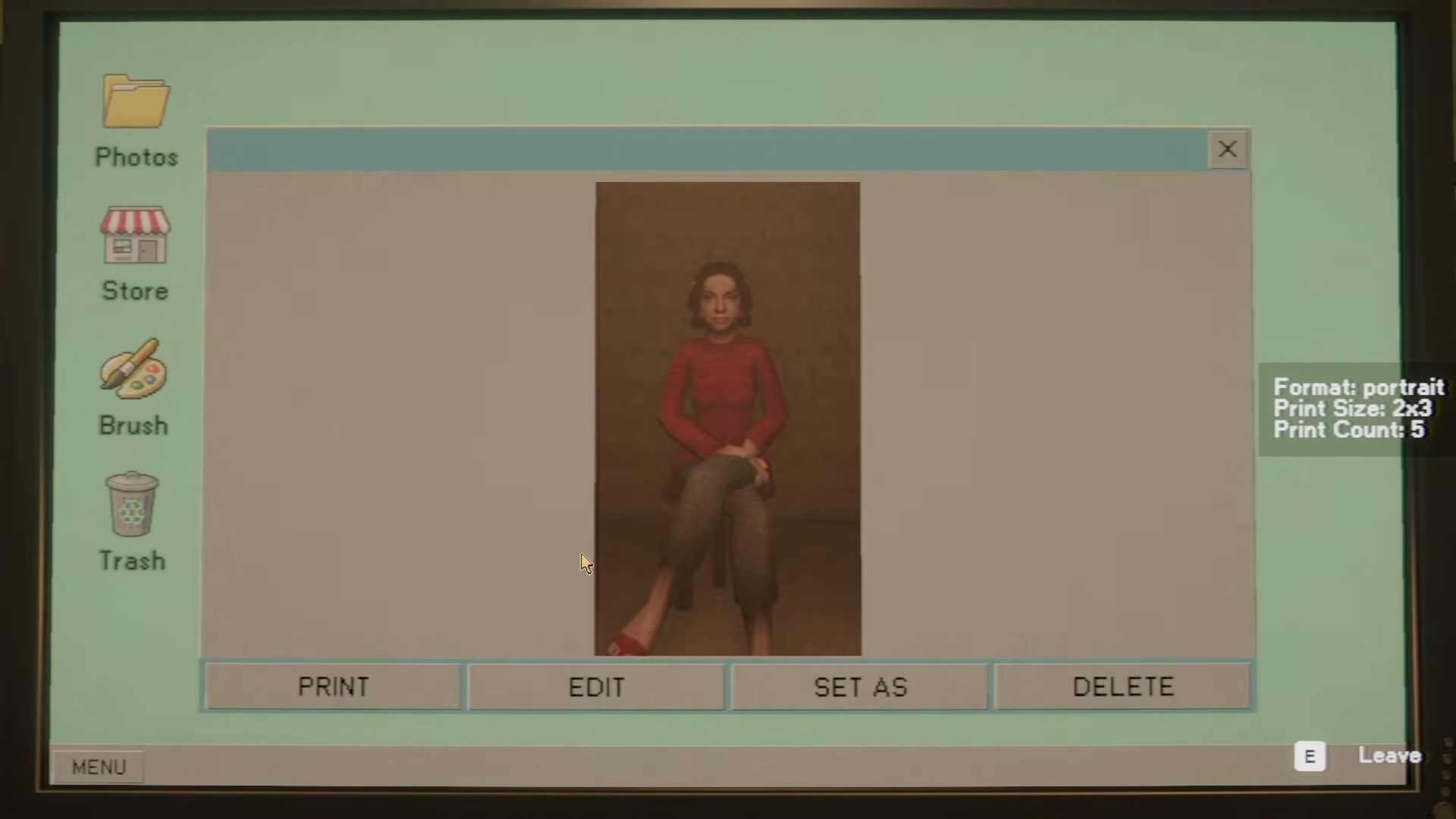
Use Photomaly's official FPS limit and mouse-input fixes, plus the Backrooms mannequin adjustment and the voice-input fallback added in Quickfix #3.

Complete list of all Clive Barker's Hellraiser: Revival keypad door codes, locker combinations, and safe passwords to unlock every secret and the.
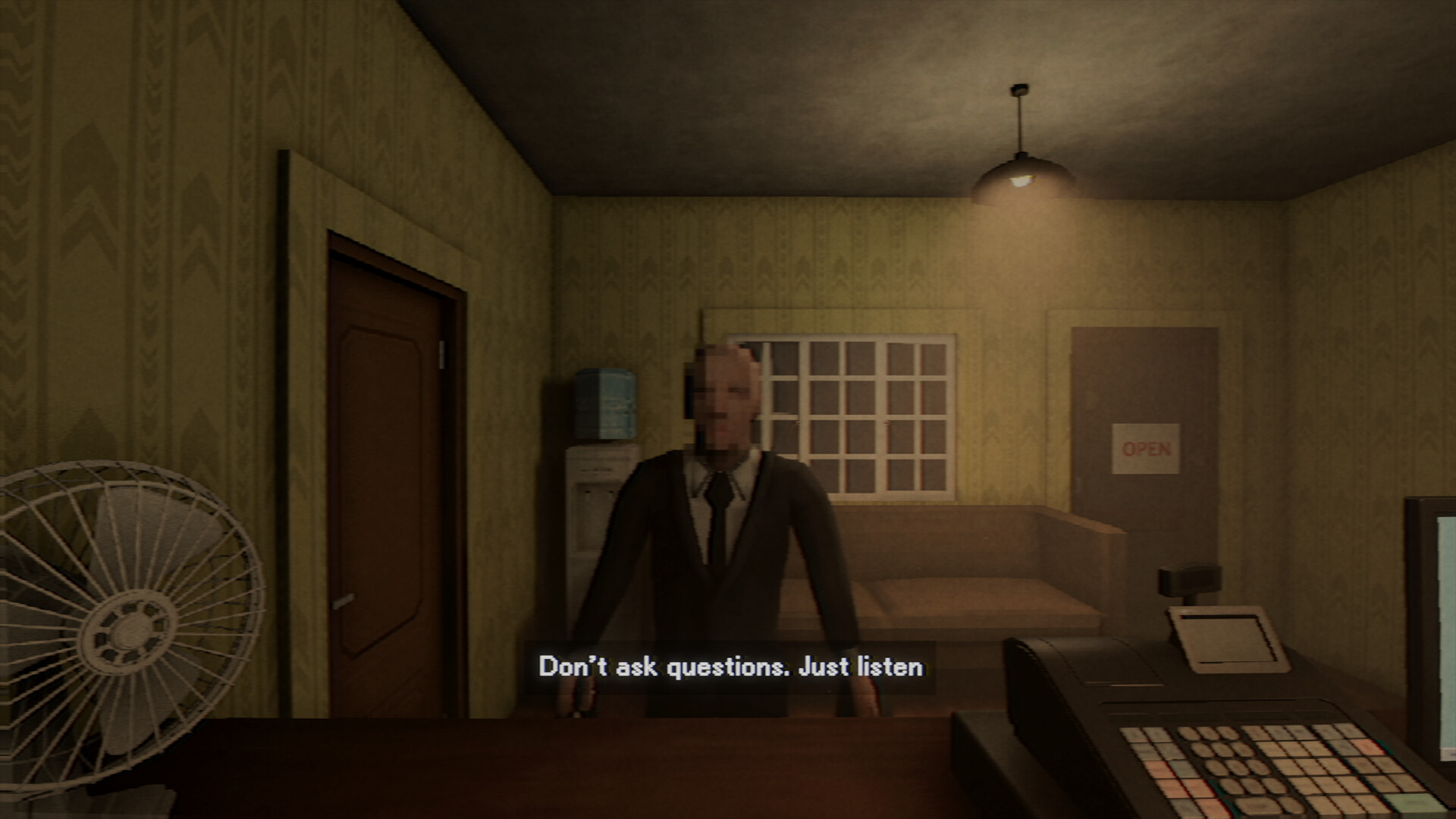
Photomaly takes about 1.5 to 2 hours to beat across 5 operational days and 1 finale day. Full day-by-day shift breakdown and 100% completion times.
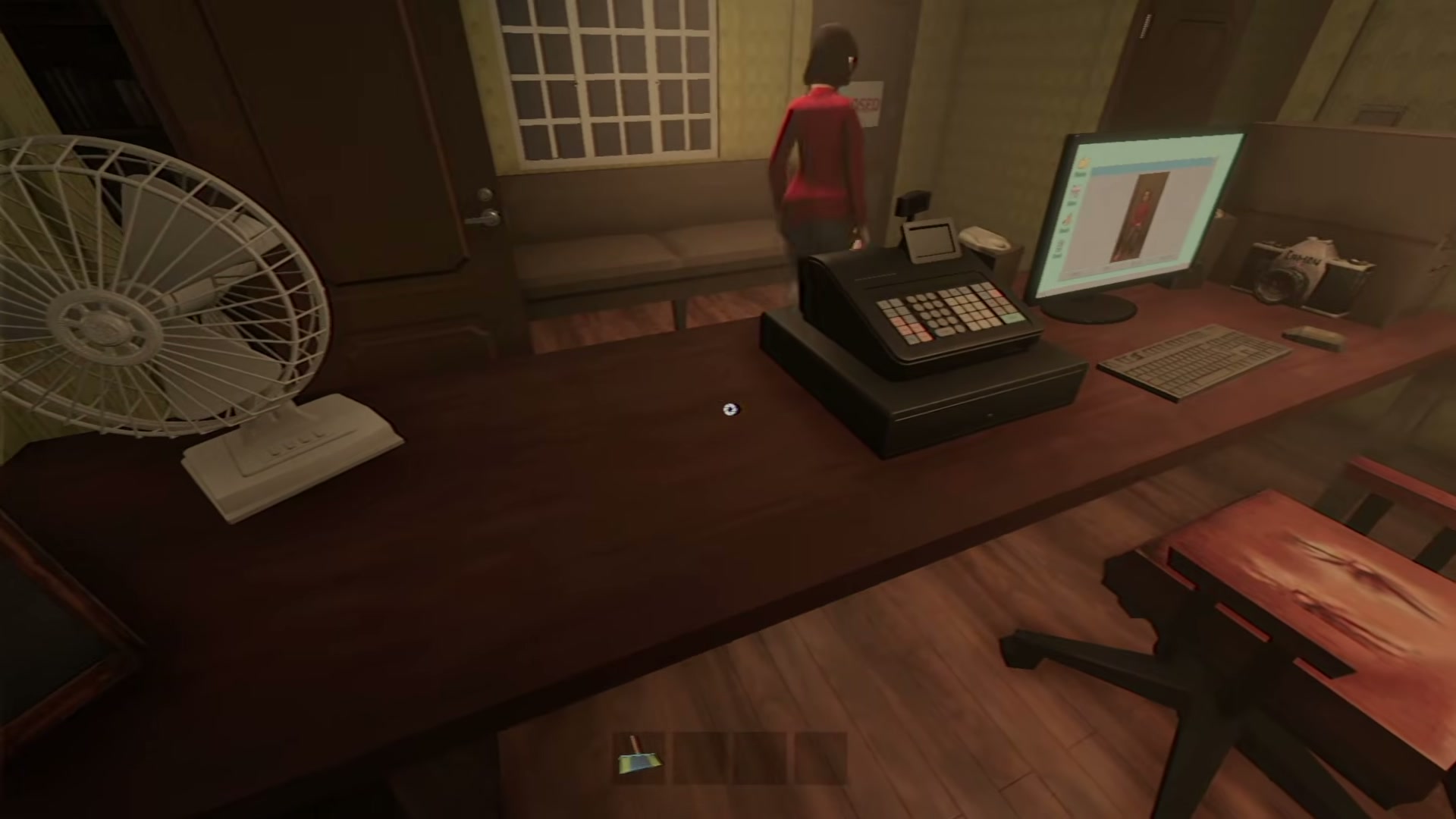
Learn Photomaly camera controls for taking, zooming, and rotating photos, then match the customer request before you print for complete mastery.
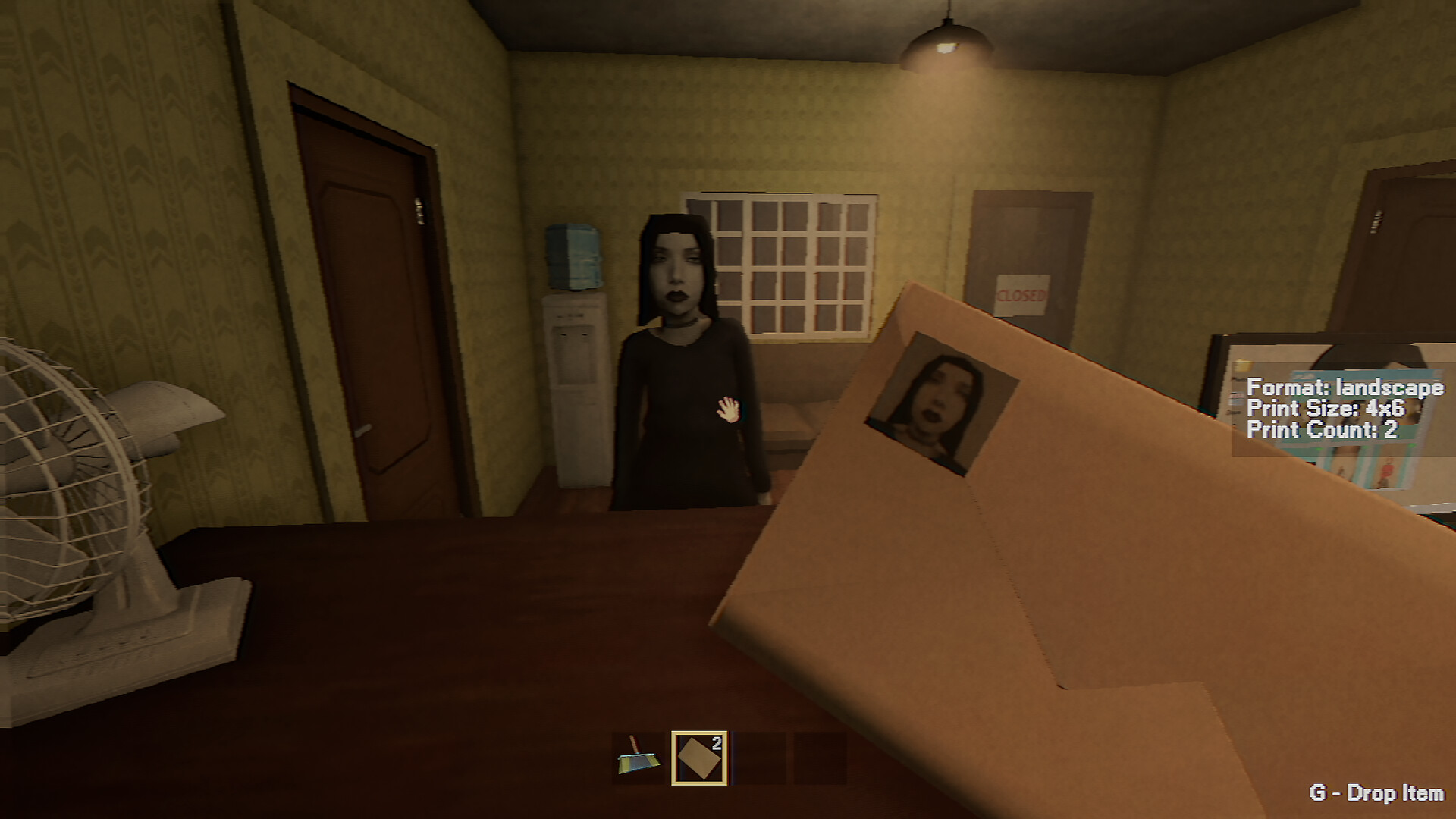
Track official Photomaly release fixes and keep old Demo reports separate from current full-release issues for complete mastery, optimal efficiency.
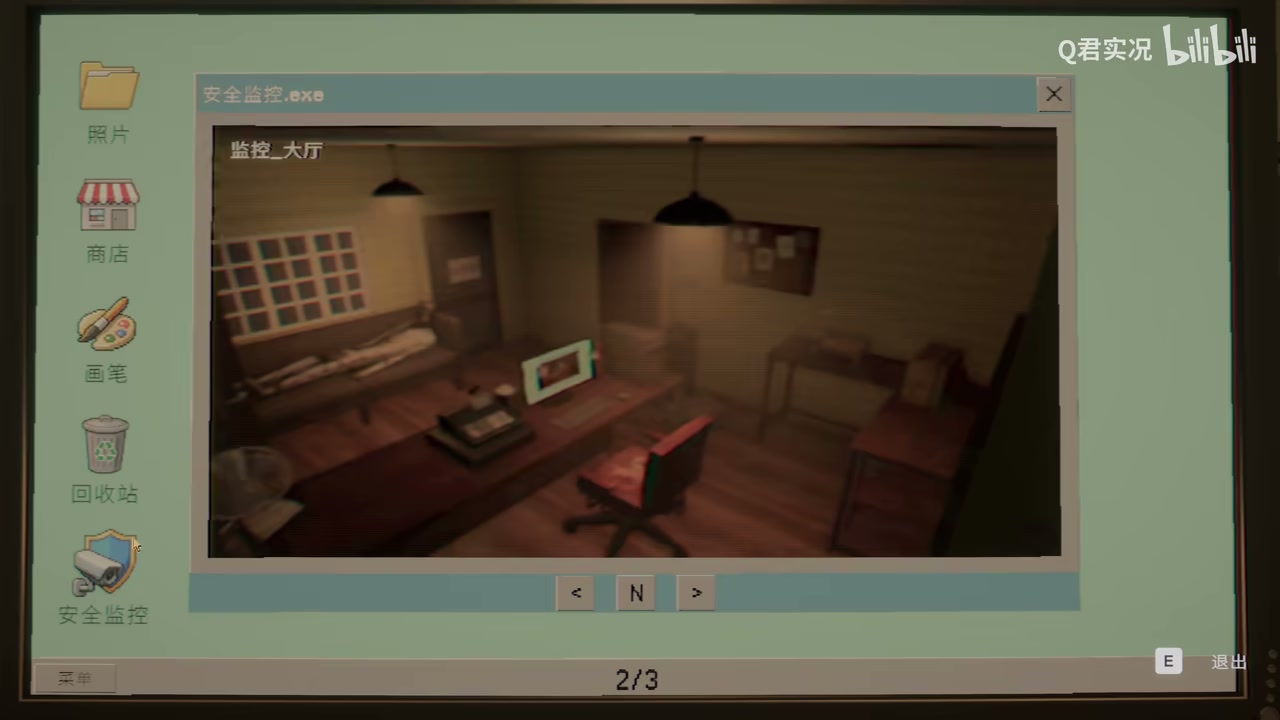
Finish Photomaly’s late-game studio work with user-tested Day 4–6 camera and USB order settings, quota checks, and large-print preparation.
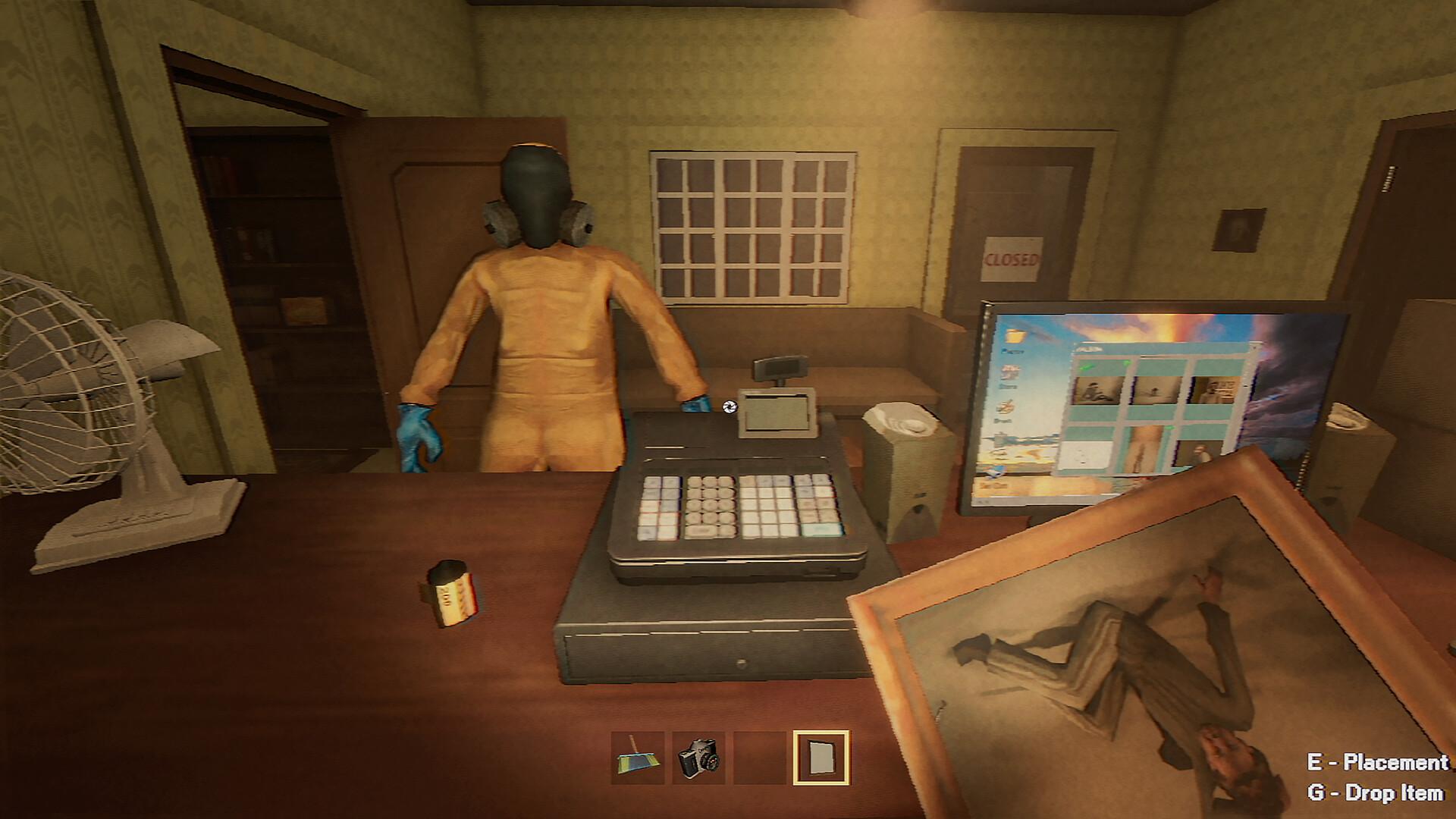
I fixed the mouse dragging issue in Photomaly. Here are the working solutions I tested: disable raw input, change display mode, edit config files.
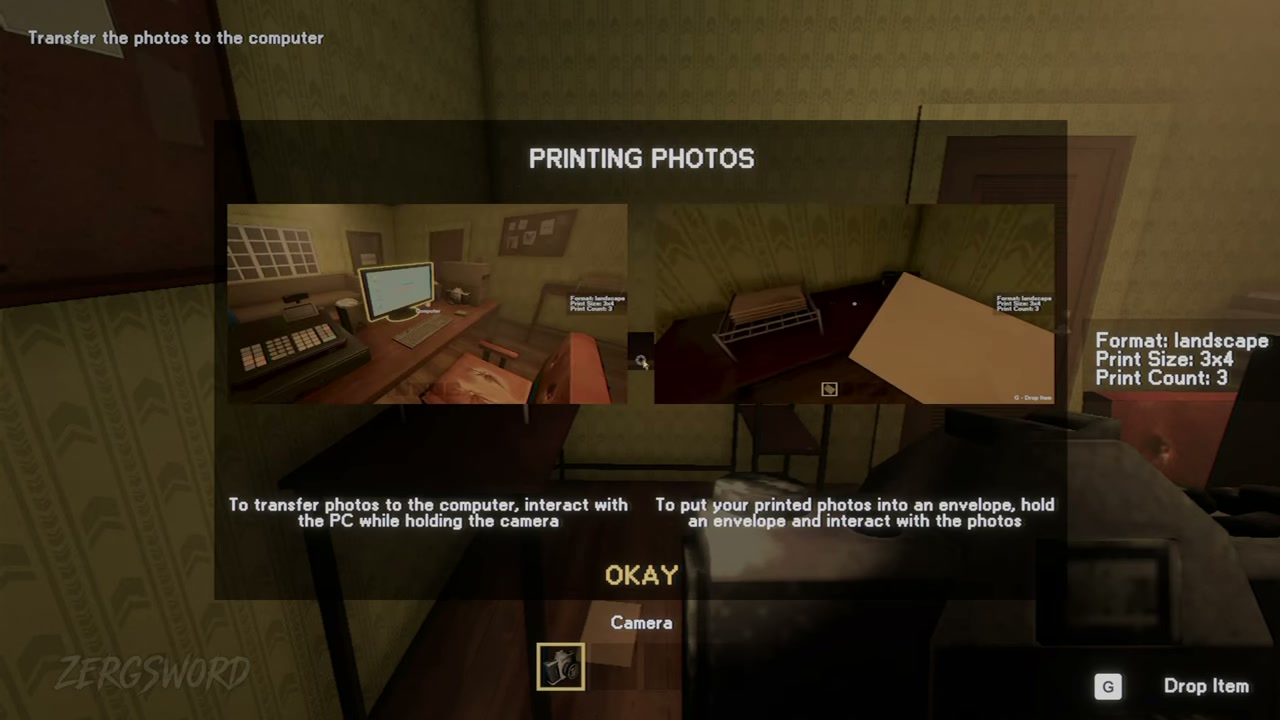
Learn the Photomaly order system: camera, USB and film routes; format, print size, count, colour, Frames, paper, ink and envelopes.
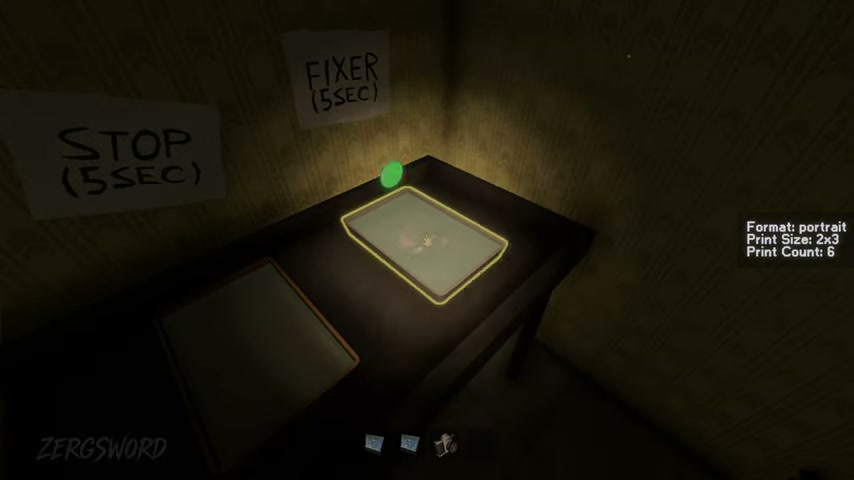
Use Photomaly's camera, USB, and film-roll photo routes, then check the visible size, quantity, and orientation before you deliver.
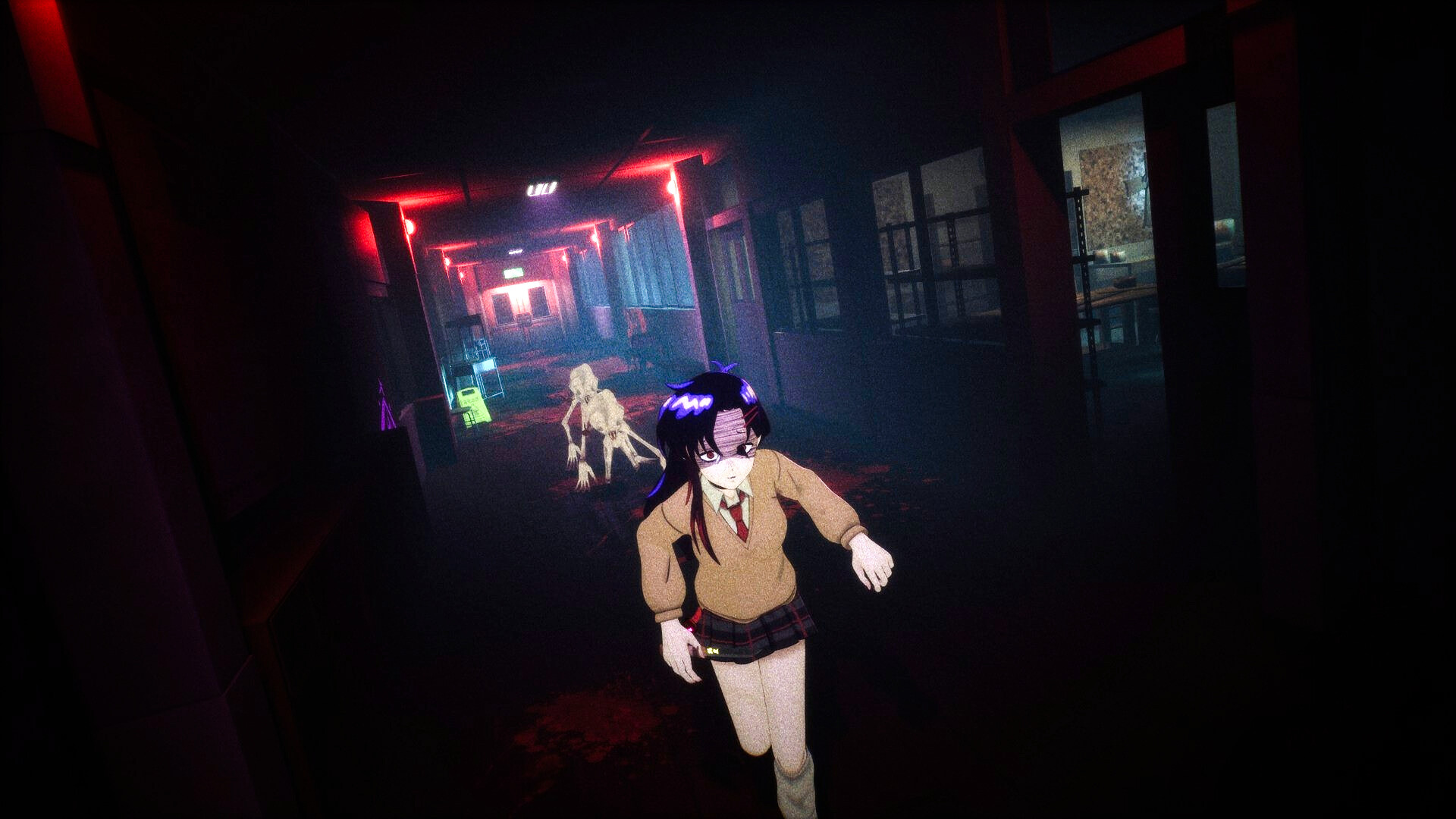
Survival guide for Signal Veil on PS5 and PC: learn the cursed cellphone ghost detection mechanics, flash purge rituals, sanity system, and retro.
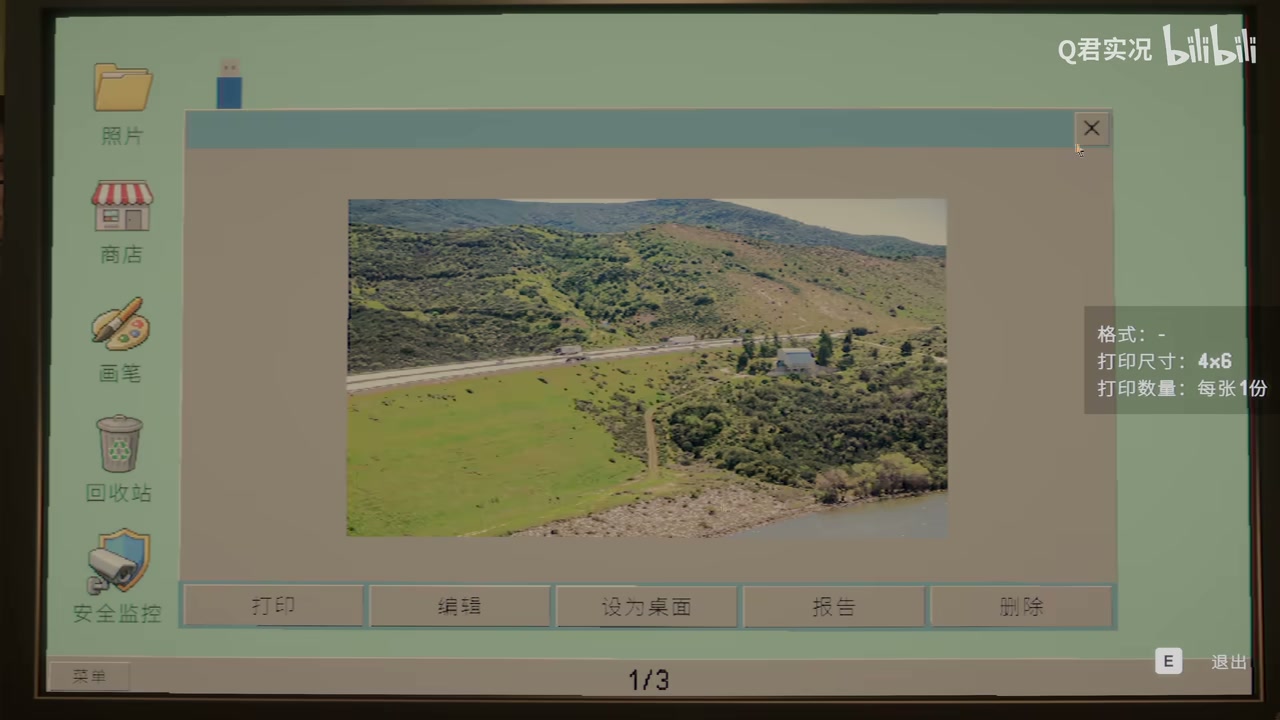
Recognize Photomaly’s special customers: the Day 1 seven-customer list, black-and-white output, sensitive film dialogue, and later-route roles.
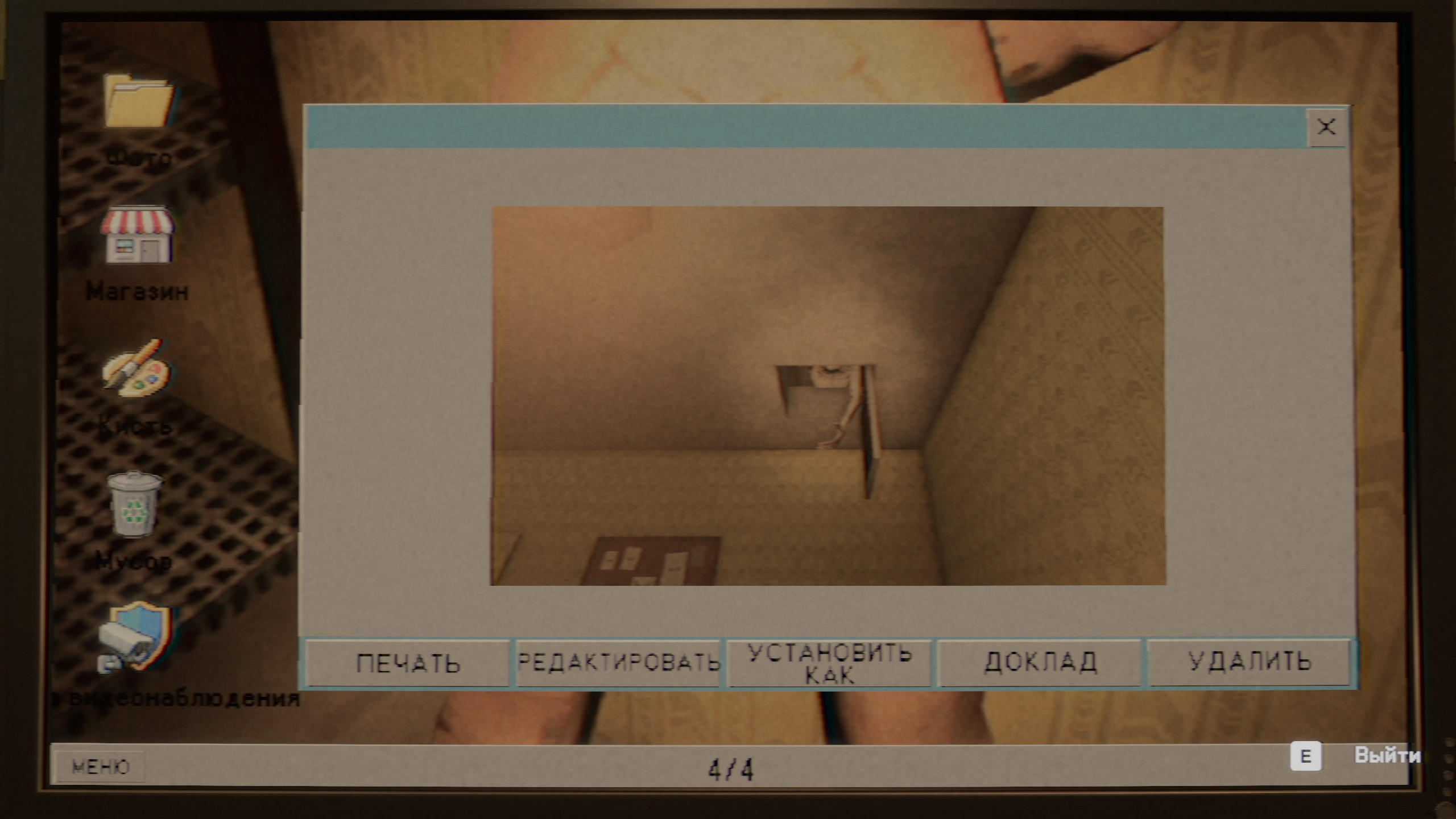
Photomaly full story breakdown: Day 1-5 plot, the agent, your father's secret, the anomalies, and what both endings really mean.
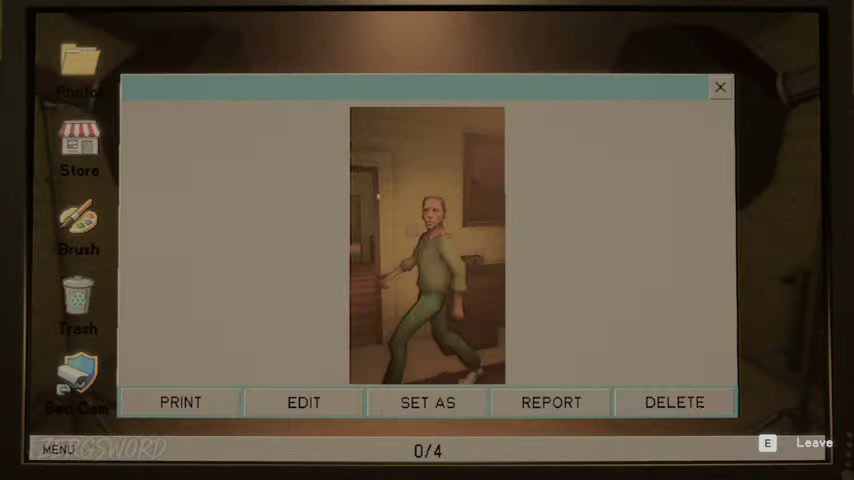
Keep Photomaly's studio ready for customer orders by checking paper, envelopes, ink, and the current in-game shop stock for complete mastery, optimal.
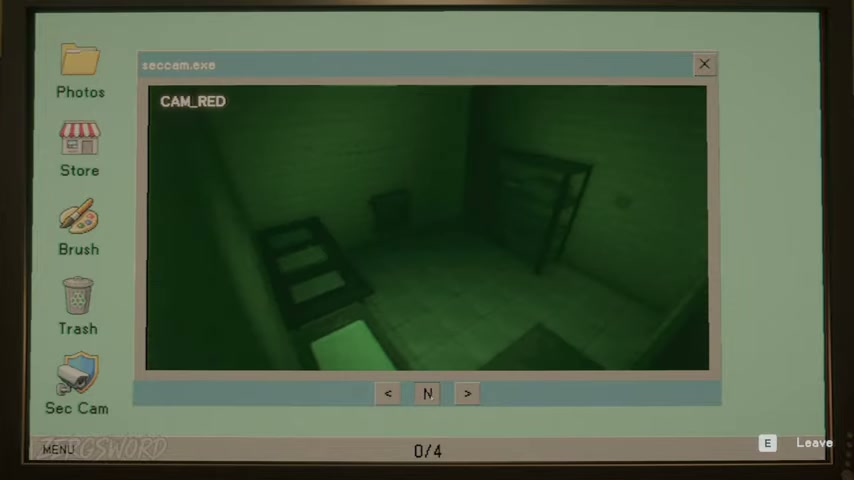
Handle Photomaly security-camera tasks: CAM_LOBBY USB printing, anomaly reports, and the tested Backrooms survival route for complete mastery.
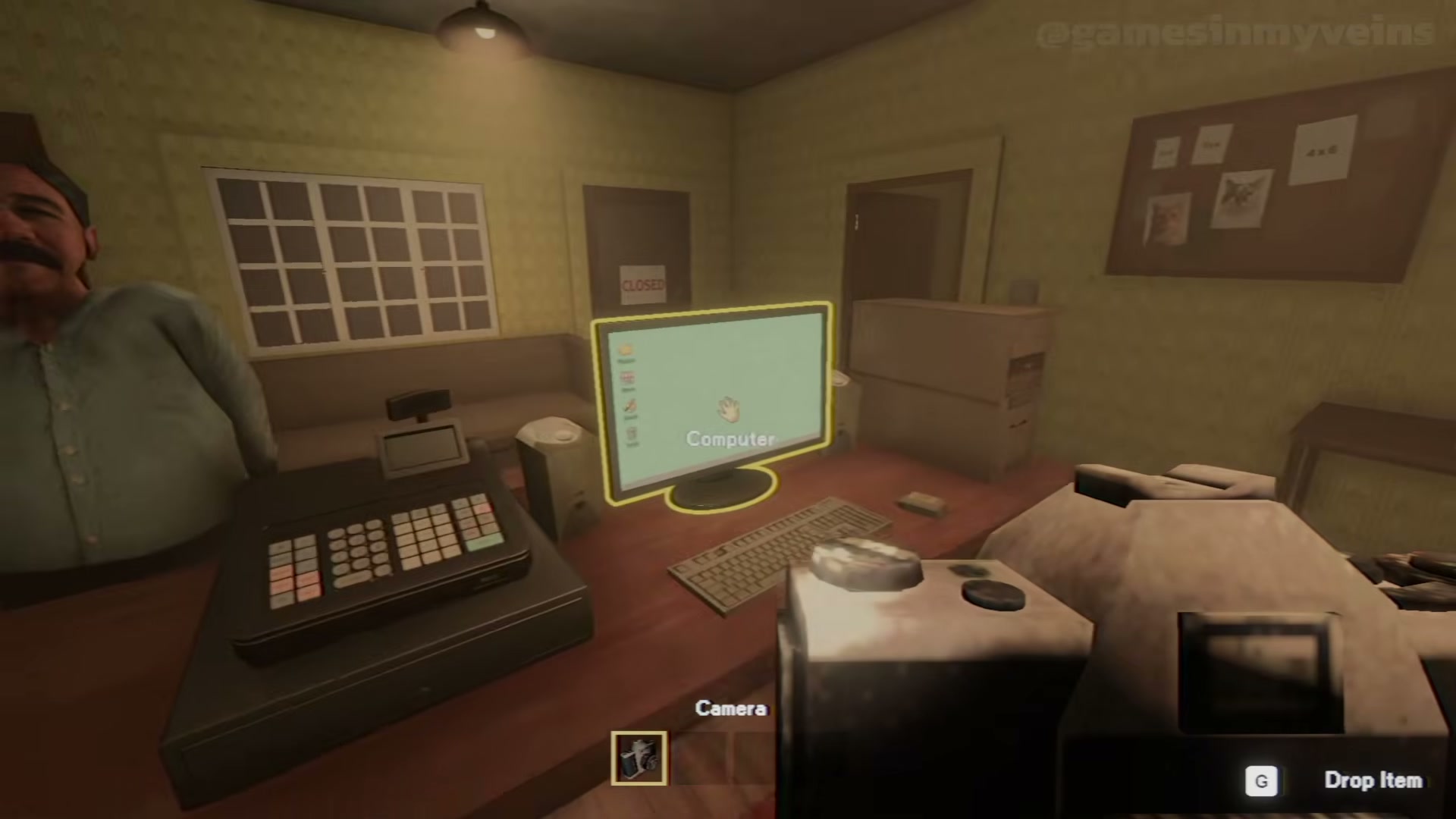
Check Photomaly's official minimum and recommended Windows PC requirements, including CPU, RAM, GPU, DirectX and storage for complete mastery.
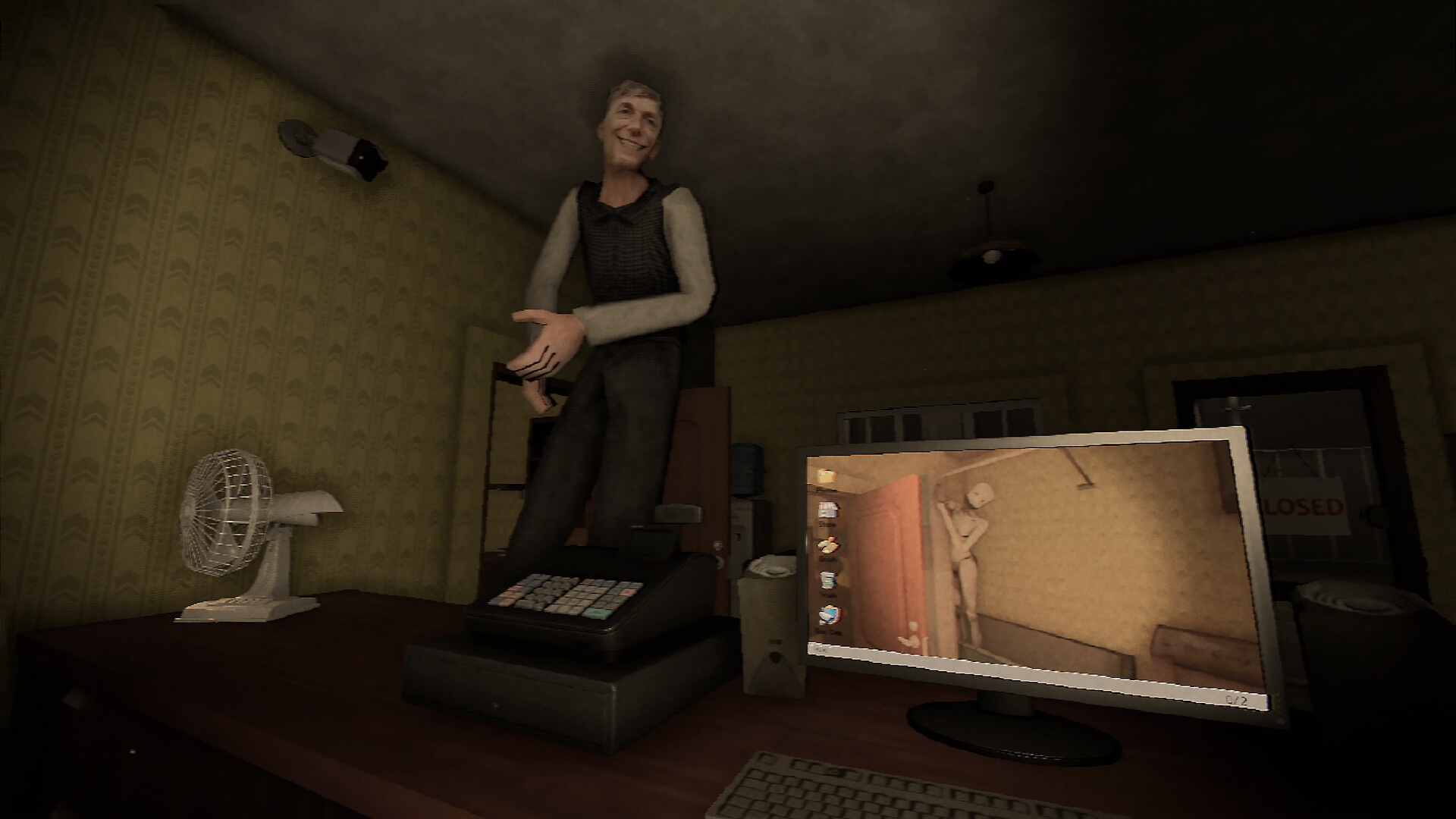
Follow official Photomaly release news and fixes, with concise impact notes for the guide pages they change for complete mastery, optimal efficiency.
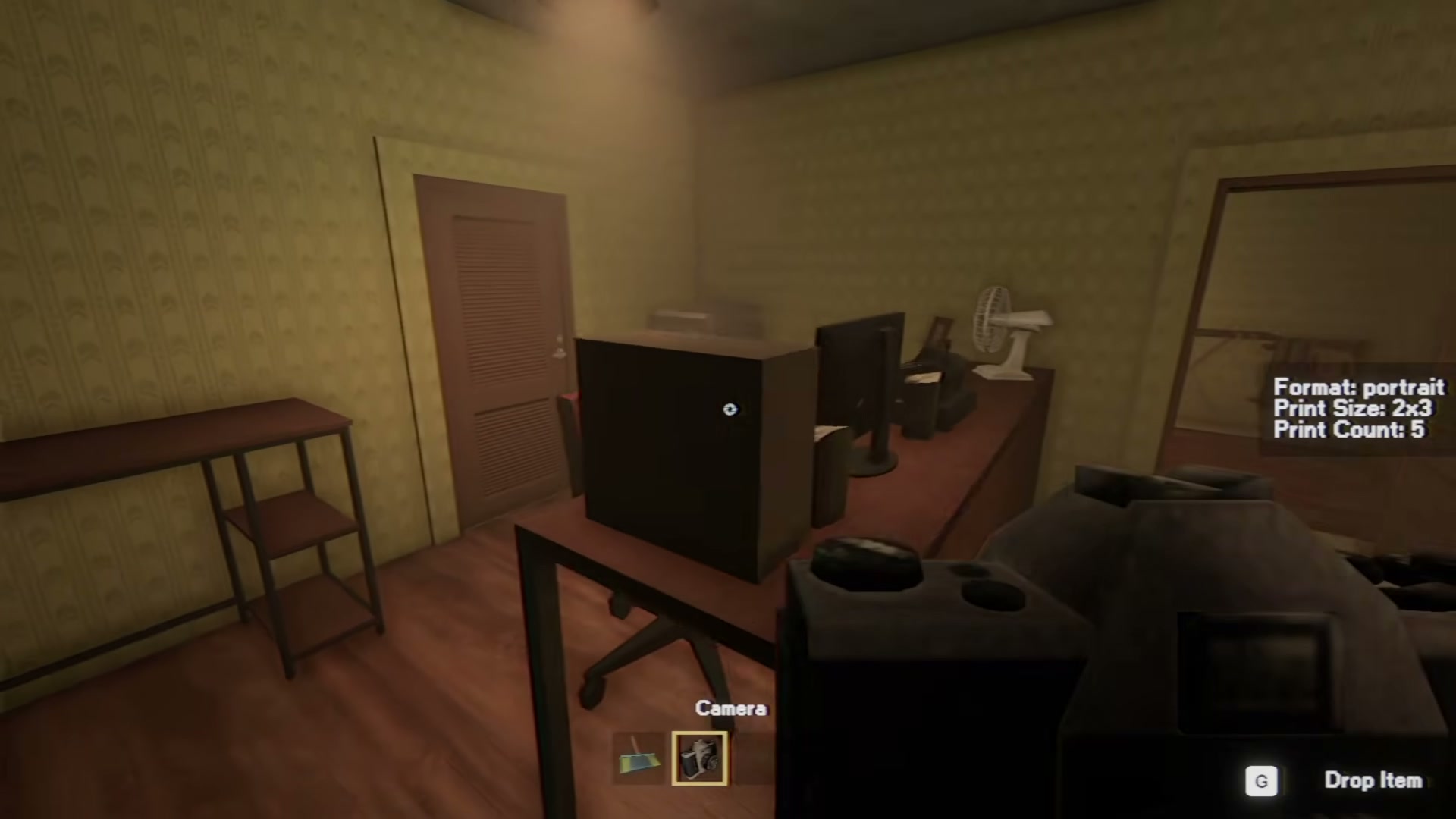
Photomaly studio upgrade priority: buy consumables first, then soft box and background, then workspace setup. Tested spending route with the in-game store.
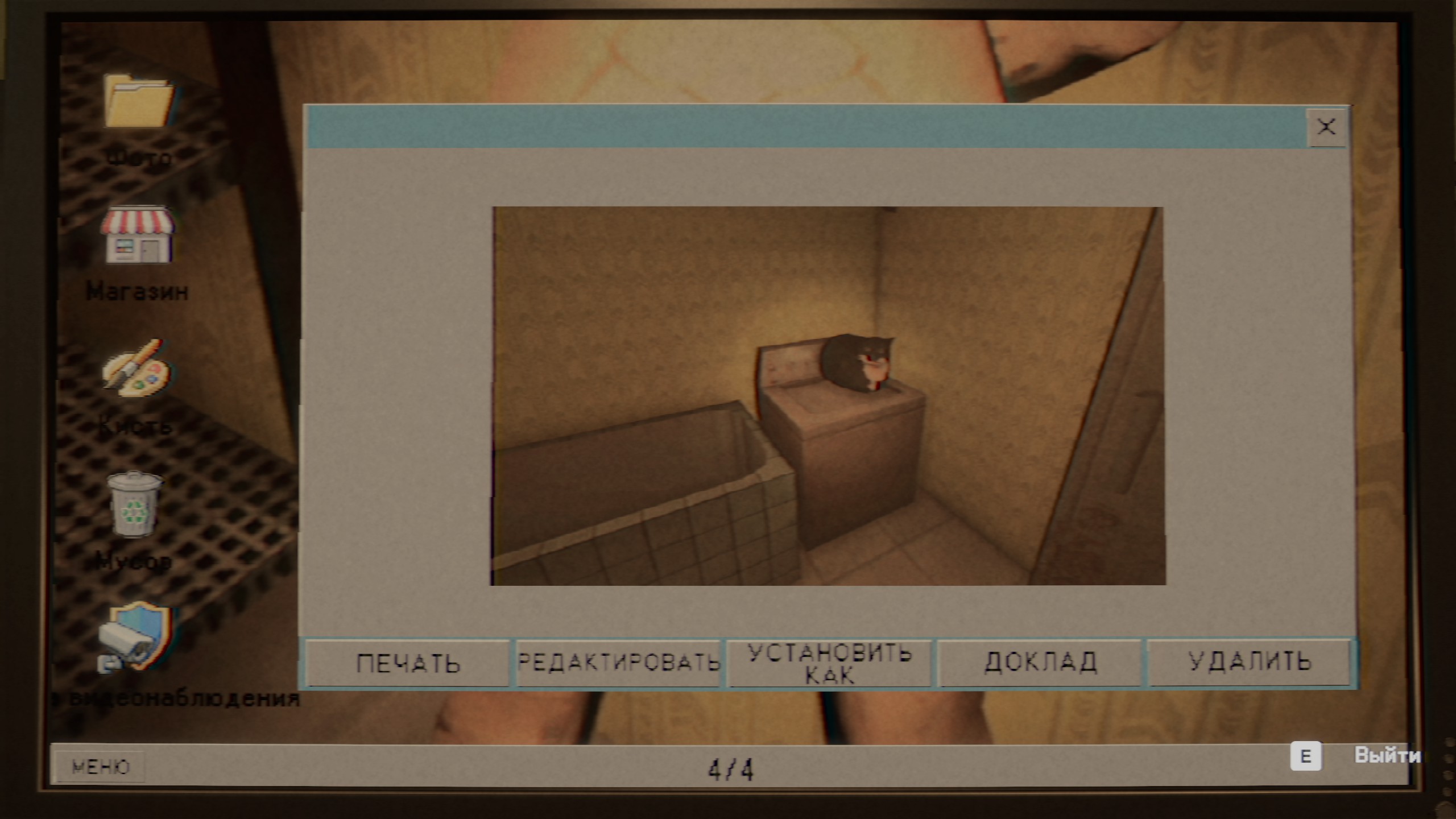
Follow a tested Photomaly walkthrough from Day 1 to Day 5, including darkroom progress, anomaly monitoring, the escaping customer and the 100% order.