How to log an anomaly
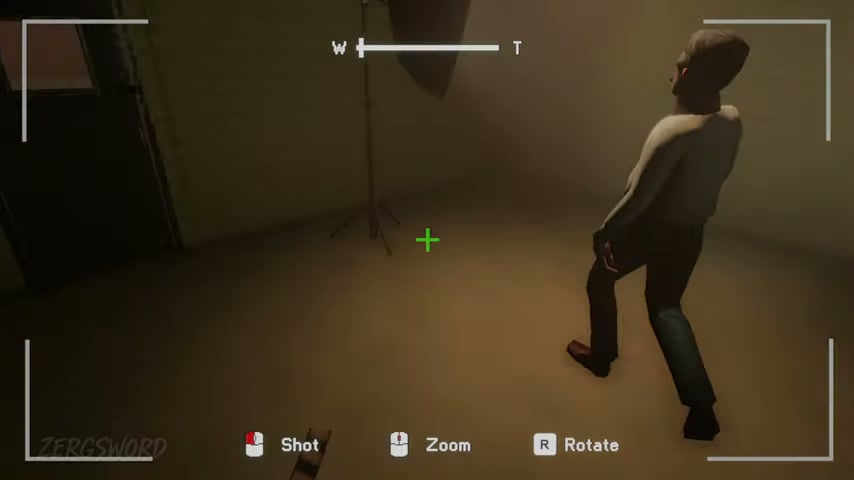
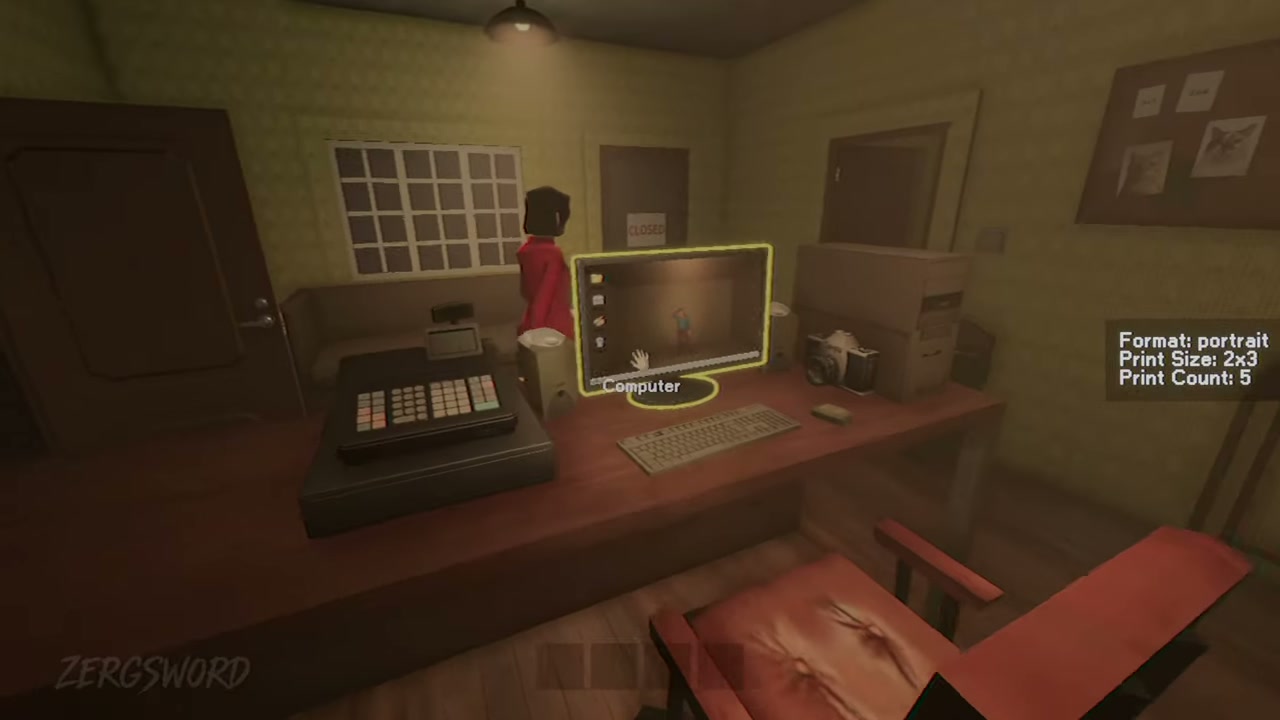
Open the security-camera feed, spot the abnormal figure or object, then click it to photograph/report it. In the test, a successful report made the anomaly disappear and added it to the computer log. If it remains, click it again before leaving the feed.
- Switch feeds instead of waiting on a single camera.
- Check when a new customer arrives; that was the most reliable tested timing.
- Do not stay at the computer continuously—continue normal tasks between checks.
- Use disappearance on the feed as the immediate confirmation.
Ending-critical: The tested checklist is 10 reports across Days 2–4. Day 5 resolves the route; it does not add a new listed location.
Day 2 · 3 reports
Both room reports are easy to group into one pass. Check them early, then sweep the reception camera.
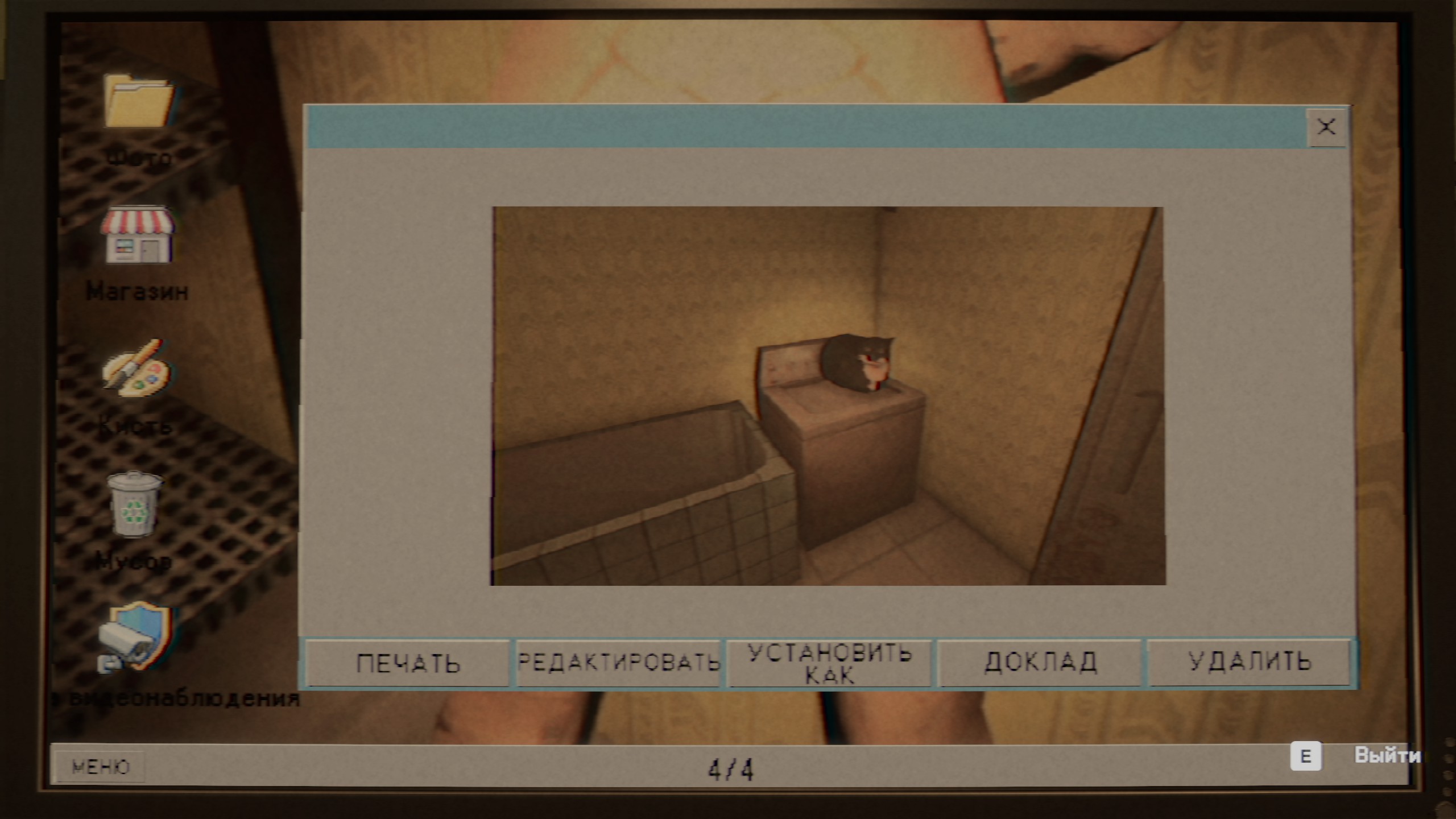
A reported anomaly is viewed through the studio’s security-camera interface.
| Specification | Detail |
|---|---|
| Your room | A man ironing clothes. |
| Your room, under the bed | A woman peeking out. |
| Reception area | A monster lying on the sofa. |
Day 3 · 3 reports
The Day 3 test separated the three reports across the darkroom, bathroom, and backyard feeds. Sweep all three rather than waiting for a single room to update.
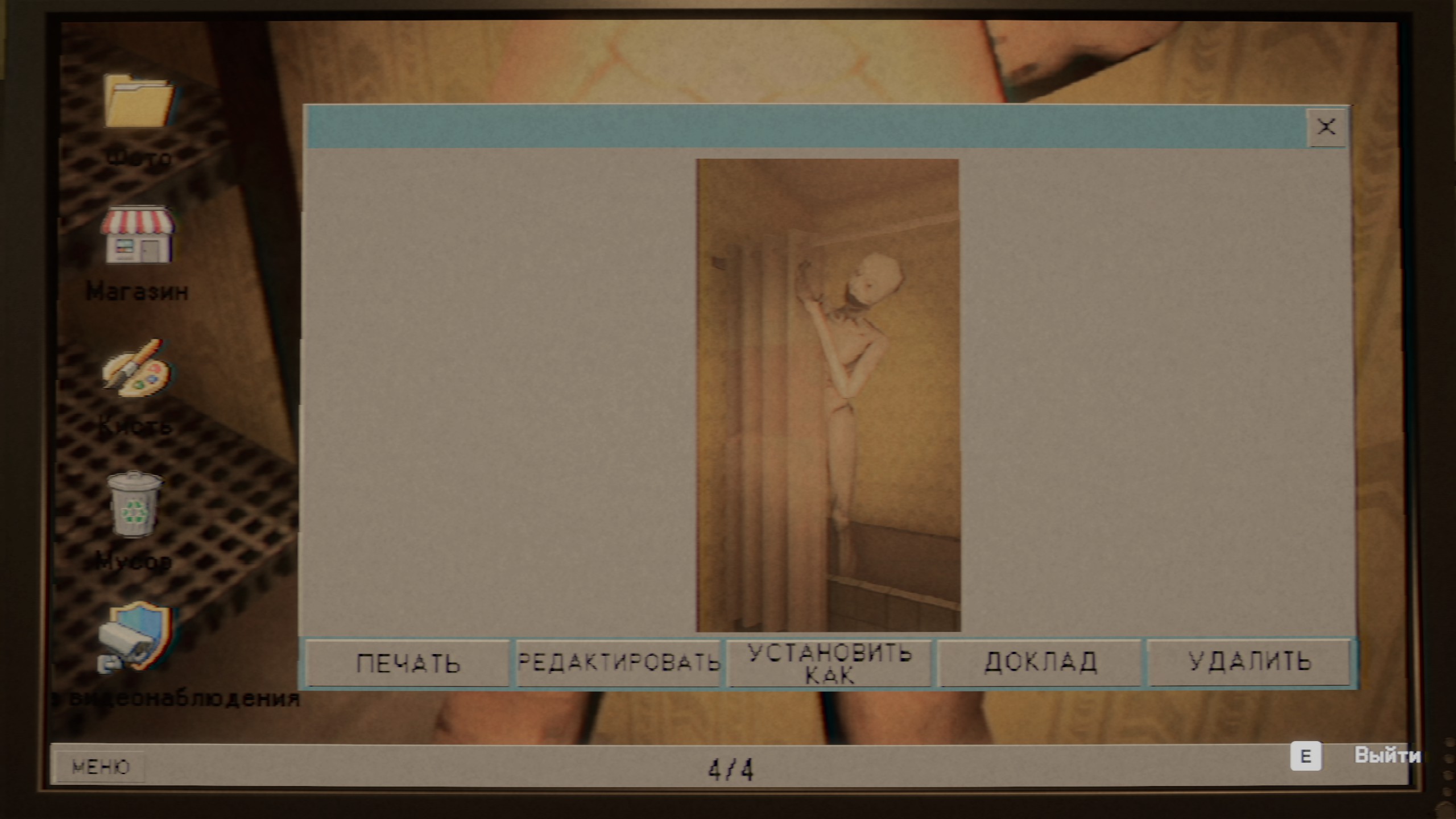
Use the camera list to check rooms that are not part of the current customer task.
| Specification | Detail |
|---|---|
| Darkroom | A horse hanging from the ceiling. |
| Bathroom | Someone hiding behind the shower curtain. |
| Backyard | A creature inside the trash can. |
Day 4 · 4 reports
The backyard clown is particularly easy to miss if you only watch interior cameras. Include the outdoor feed in every Day 4 sweep.
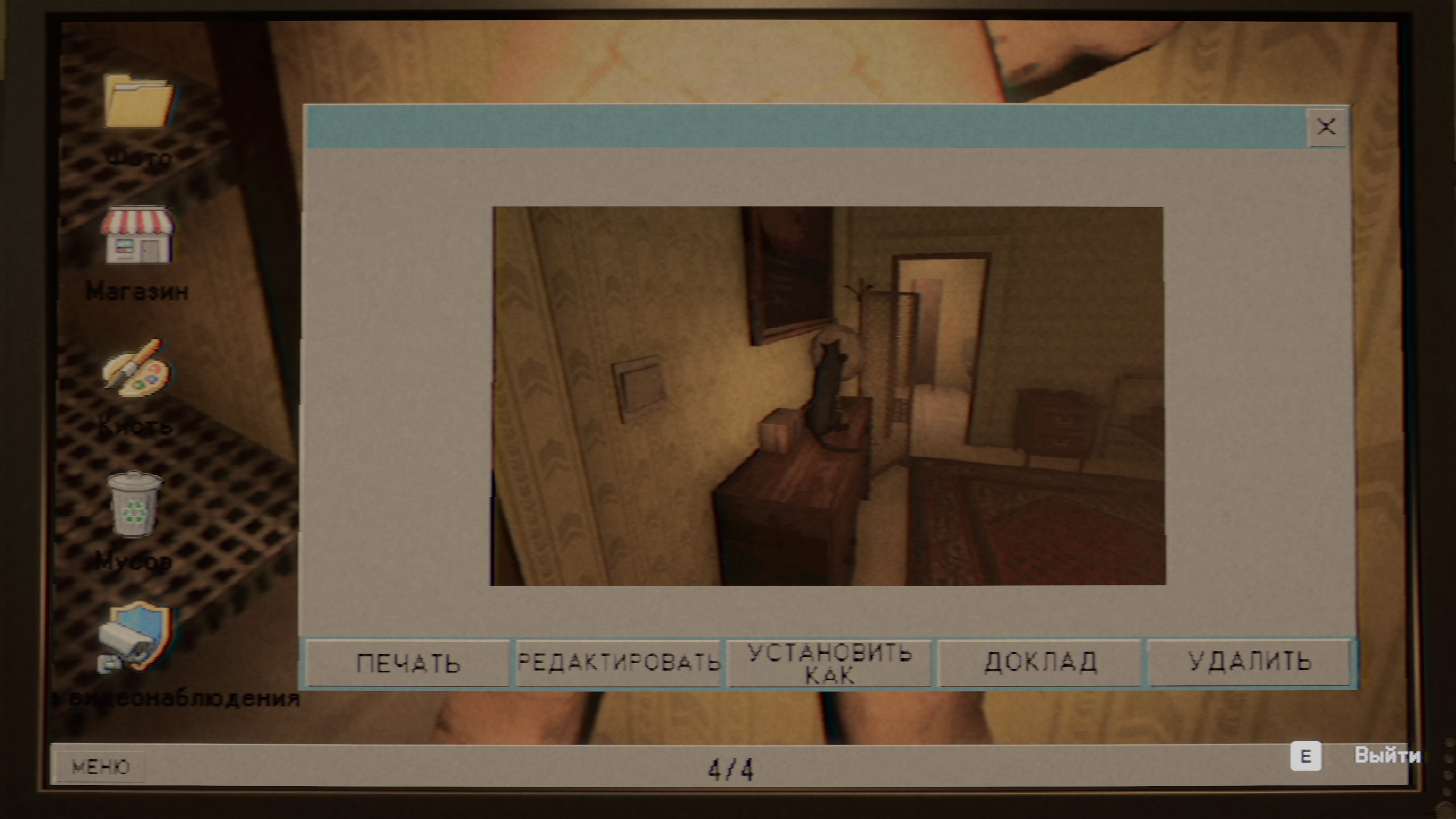
Day 4 contains four reports, including one in the backyard.
| Specification | Detail |
|---|---|
| Reception ceiling | A hand reaching from the ventilation opening. |
| Your room, nightstand | A cat playing with a globe. |
| Backyard, by the van | A clown standing near the van. |
| Your room, bed | A child jumping on the bed. |
What not to count
Two Day 3 scenes can look like reports but were not counted in the tested 10-location checklist.
- The person sitting in the toilet is not an anomaly; startling them can interfere with the normal flow.
- The person behind the backyard door is a story interaction. Call for help, but do not treat it as one of the 10 reports.
Frequently Asked Questions
How many anomalies do I need to report for the Photomaly good ending?
The tested good-ending route requires all 10 reports: three on Day 2, three on Day 3, and four on Day 4.
How do I know an anomaly report worked in Photomaly?
In the tested route, the anomaly disappeared from its security-camera feed and was added to the computer log. If it remains on screen, click it again before leaving the feed.